1
Castle Ultimus (GA2007) User Manual
9.9.
_
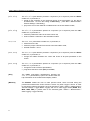
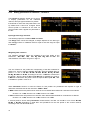
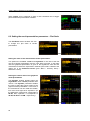
Selection of the Vibration units - Vibration Units
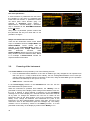
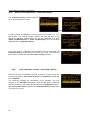
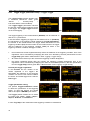
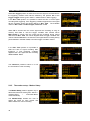
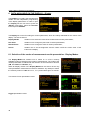
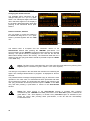
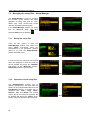
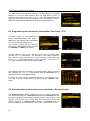
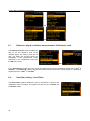
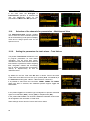
The Vibration Units position enables the
user to select the metric or non-metric
units.
It is possible to select the Non-Metric units
(e.g. g, ips, mil etc.) or Metric units (e.g.
2
m/s , m/s, m etc.).
<ENT>
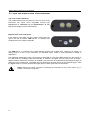
9.10.
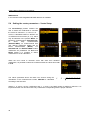
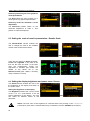
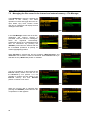
Warnings selection – Warnings
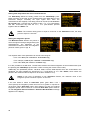
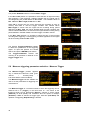
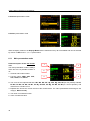
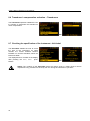
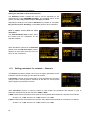
The Warnings enables the user to select
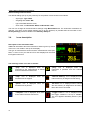
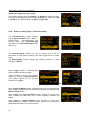
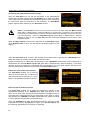
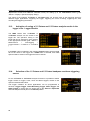
the messages, which could be displayed
during the operation of the instrument.
<ENT>
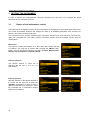
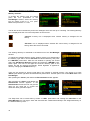
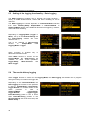
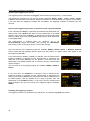
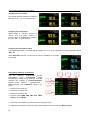
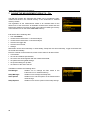
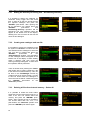
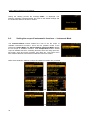
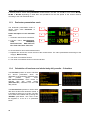
The measurement results are not saved in a file
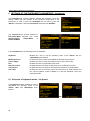
When the position is set to be active the special warning can be displayed
after pressing the <Start/Stop> push-button. It will be happened in a case
when the result of the previous measurement was not saved in a file of the
instrument.
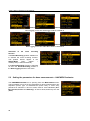
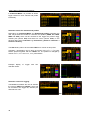
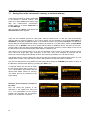
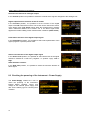
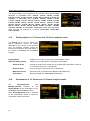
The question Continue? appears with the warning message. There are
three options: Yes, No or Save. If Yes is chosen, the instrument returns to
the active mode of result presentation starting the new measurement
process. If No is chosen, the instrument returns to the active mode of
measurement result’s presentation without starting the new measurement
process. If Save option is chosen, then the measurement results are saved.
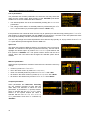
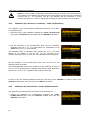
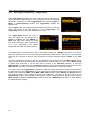
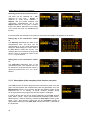
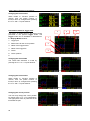
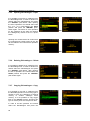
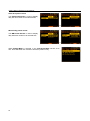
The vector settings warning
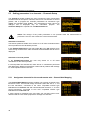
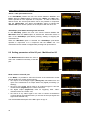
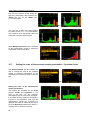
When the Vector Settings position is set to be active the special warning
can be displayed if Mode parameter, selected in the Vector 1-3 or
Vector 4-6 windows, are not conformed to the standard.
77