1
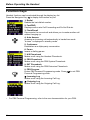
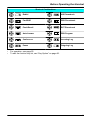
Before Operating the Handset
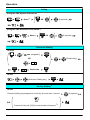
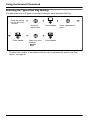
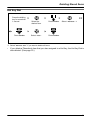
Editing the Standby Display Name
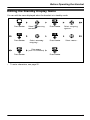
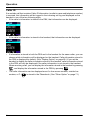
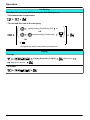
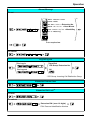
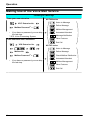
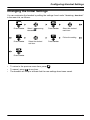
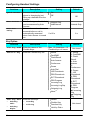
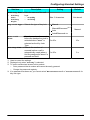
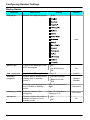
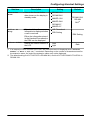
You can edit the name displayed when the handset is in standby mode.
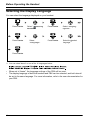
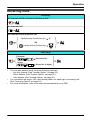
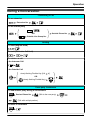
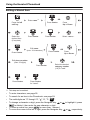
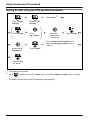
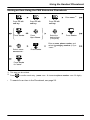
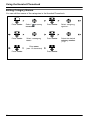
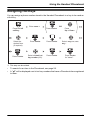
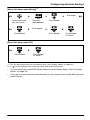
Press Centre.
Select "
Setting
Handset".
Press Centre.
Select "Display
Option".
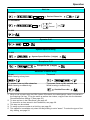
Press Centre.
Select "Standby
Display".
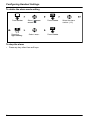
Press Centre.
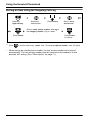
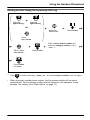
Select "Edit".
Enter name.
(max. 16 characters)
Press Centre.
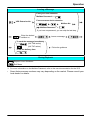
•
Press Centre.
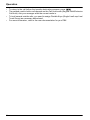
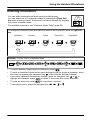
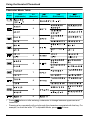
To enter characters, see page 55.
13