1
Using the Interface
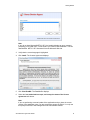
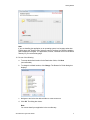
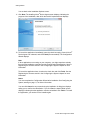
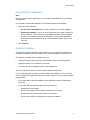
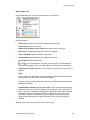
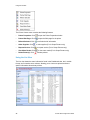
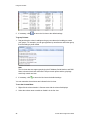
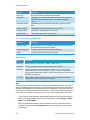
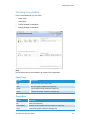
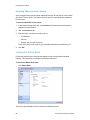
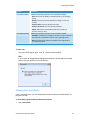
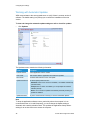
The Printer Context menu contains the following features:
•
Printer Properties: Click
to open the Printer Properties window
•
Printer Web Page: Click
to open the Web page for the printer
•
Refresh Selected: Click
to refresh the tile information
•
Order Supplies: Click
•
Request Service: Click
•
View Meter Reads: Click
•
Delete Printer(s): Click
to order supplies (For In Scope Printers only)
to request service (For In Scope Printers only)
to view meter reads (For In Scope Printers only)
to delete printers
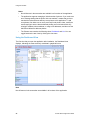
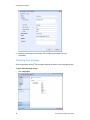
Using the List View
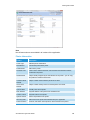
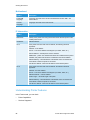
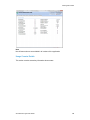
The List view shows the same information found in the Dashboard view, but in a table
format, and it contains more columns, allowing you to view more printers and more
specific information about those printers.
30
Xerox® Device Agent User Guide