1
5 – Payments and Purchases
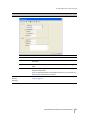
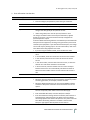
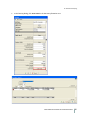
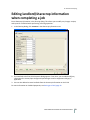
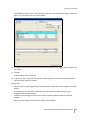
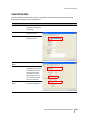
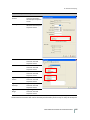
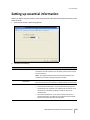
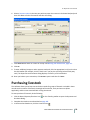
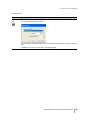
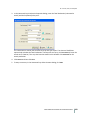
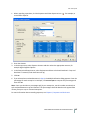
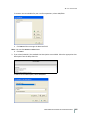
Payment option
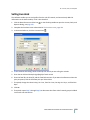
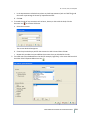
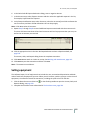
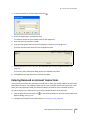
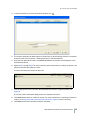
Click ...
To ...
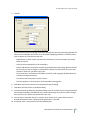
Check icon
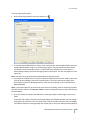
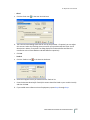
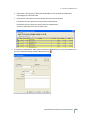
Pay by check. In the Check Purchase account you can select a Checking Account, and
Check#, and change the amount if required. You can also add a Memo.
Cash icon
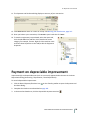
Pay in cash. Select a Cash Account and then enter or edit the Amount.
Credit Card icon
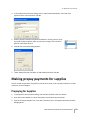
Pay by credit card. Select a Credit Card account and then enter or edit the Amount.
FARM WORKS ACCOUNTING SOFTWARE USER GUIDE
162