1
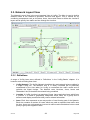
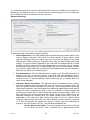
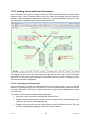
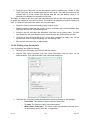
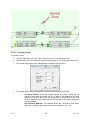
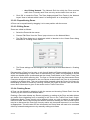
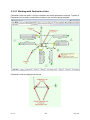
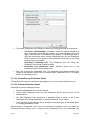
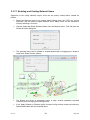
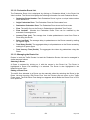
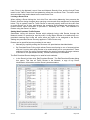
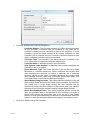
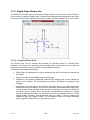
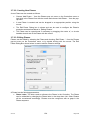
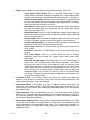
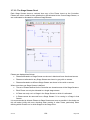
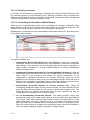
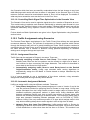
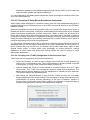
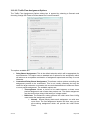
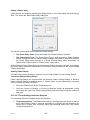
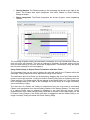
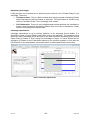
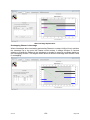
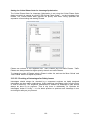
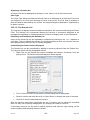
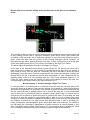
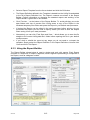
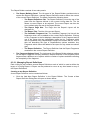
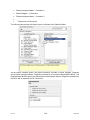
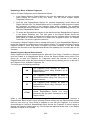
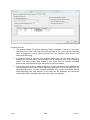
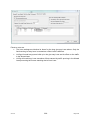
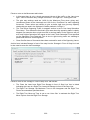
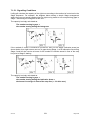
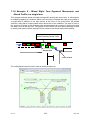
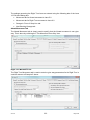
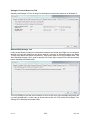
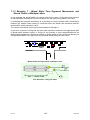
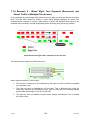
Pedestrian Links together with Pedestrian Link Connectors form a Pedestrian Network for each LinSig Junction. Pedestrian movements between junctions are not modelled. Due to issues such as pedestrian dispersion, crossing at places other than a controlled crossing and leaving the Network between Junctions modelling pedestrians over a wider area is complex and beyond what LinSig is intended to model. LinSig uses each Junction’s Pedestrian Network to model Pedestrian walk and delay times from one side of the Junction to another. If this involves several crossings LinSig takes account of Pedestrian coordination when modelling delays. 3.3.10.1. Creating New Pedestrian Links New Pedestrian Links can be created in the Network Layout View as follows: Choose ‘Add Pedestrian Link…’ from the ‘Pedestrian Links’ pop-out menu on the Network menu. A new Pedestrian Link will be created which can be dragged into its desired position and dropped by clicking with the mouse. If necessary the Pedestrian Link can be rotated and repositioned more accurately after it has been created as described below in ‘Moving and Repositioning Pedestrian Links’. When the Pedestrian Link is dropped the Edit Pedestrian Link dialog box is displayed. This allows the Pedestrian Link’s settings to be entered. The following settings are available for an Pedestrian Link: o o V3.0.16 Pedestrian Link Number. The Pedestrian Link Number will default to one more than the maximum Pedestrian Link Number of the existing Pedestrian Links. Pedestrian Links can be numbered in any order but all Pedestrian Link Numbers must be used with no gaps in the sequence. If the new Pedestrian Link is allocated the same number as an existing Pedestrian Link the new Pedestrian Link will be inserted into the Pedestrian Link numbering sequence and higher numbered Pedestrian Links renumbered. Pedestrian Link Name. The Pedestrian Link Name is a simple text name to describe the Pedestrian Link. 67 May 2010