1
RedFusion Average Speed Violation Viewer Operators Manual
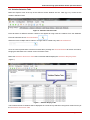
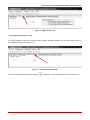
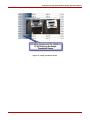
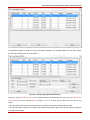
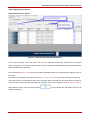
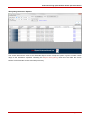
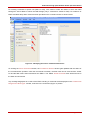
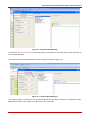
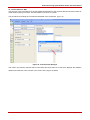
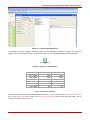
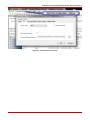
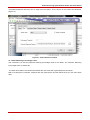
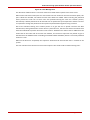
By selecting a specific row with the mouse and double clicking it for example Exit001 we can add / amend
the site code and direction as shown below :-
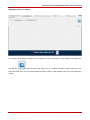
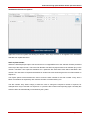
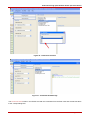
Figure 27 : Configuring Export Site Directions
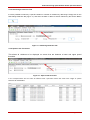
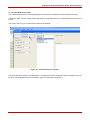
Enter the correct Site Reference and if required change the site direction by use of the Site Direction
Drop Down list. Once changed Save to keep or Cancel to abort and go back to the list view of site
codes.
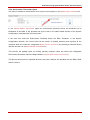
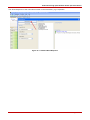
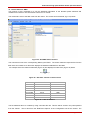
The import button will only be used by Engineers to configure the system initially with site codes.
The Add and Delete buttons are for Adhoc site Addition and Deletion again these will be used by Engineers
to configure the system.
Page 39 of 81