1
FUSION Operators Manual
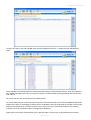
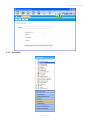
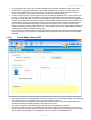
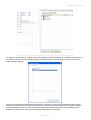
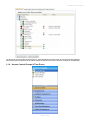
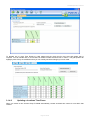
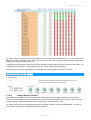
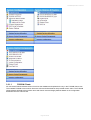
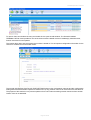
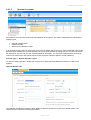
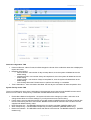
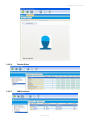
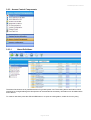
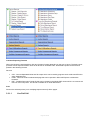
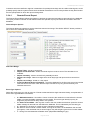
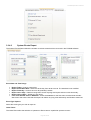
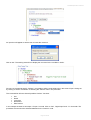
The next tab TERMINAL LOGGED OUT OPTIONS configures the terminal monitoring locations. When an operator
is not logged into the FUSION client the client can still receive events and alarms and display them on the terminal
screen. Because the terminal does not have an operators permission level if can only view this information and no
actions can be taken when in logged out mode. A good use of this feature is to provide guard room staff the ability
to monitor alarms and activity but not enable them to take any action with the client.
To enable the client to monitor one or more locations tick the check box entries for the locations required.
Warning, use the following feature with caution
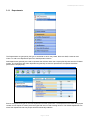
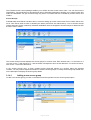
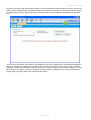
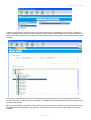
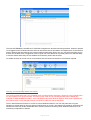
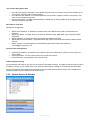
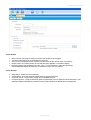
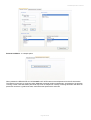
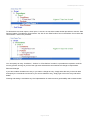
The Terminal Kiosk Mode tab is only available when the Administrative Operator is logged in to the FUSION client
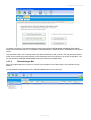
no other operators can access this tab. The fusion Kiosk mode can be activated with the button labeled SET
FUSION AS MAIN WINDOWS SHELL. Once activated the Microsoft Windows Explorer shell will be replaced with
the FUSION client. Once changed a reboot is required to make the change take effect.
Once in Kiosk mode there will be no access to normal Windows features. The user may still have to log into
Windows as normal but they will only see the FUSION client on screen. This feature is provided for area where the
Windows terminal may be left unattended and to prevent personnel accessing other Windows features such as
networking configuration or Games.
Page 40 of 84