1
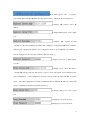
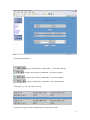
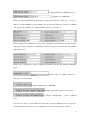
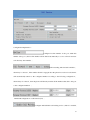
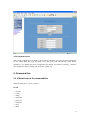
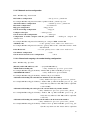
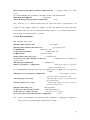
The selected Qos Enable represents application of Qos service.
The selected Qos Table Include means that the network segment
addresses in the set Qos table are required to provide Qos service addresses,those outside the table
are not required to provide qos;cancelling the checked qos table include is to say all the addresses
outside the table are required to provide Qos service.
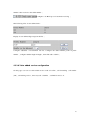
Click Submit to go into effect after selecting.
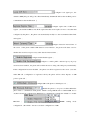
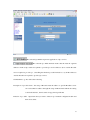
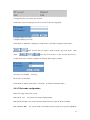
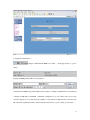
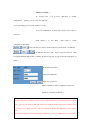
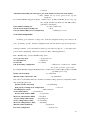
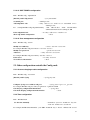
Description of qos table items:the setup of IP can be network address or specific IP address. User
can set destination address through the setup of IP and mask. When the setting
is 255.255.255.255,then it stands for appointed specific IP.
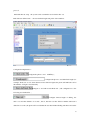
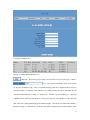
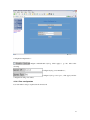
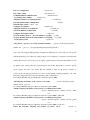
Deletion of qos table:input items that you want to delete in ip / netmask configuration table and
then select delete.
23