1
Mars Home NVR Combo Kit: Operating the NVR
ENGLISH
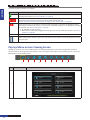
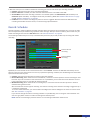
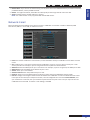
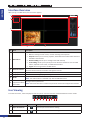
Search: Record Search
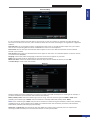
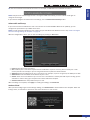
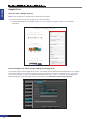
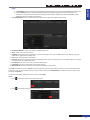
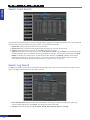
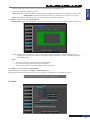
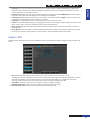
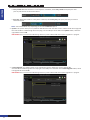
In Record Search menu you can search and playback the recorded videos based on recording type (alarm / normal),
channel, date and time parameter.
• Channel: Choose a channel to playback the recording or keep the default All. “All” means searching for the
recording on all the channels for the specified date and time.
• Type: Select the recording type. The available options are all types, normal, or alarm recording.
• Search Date: Specify the month and year where you want to search the recorded videos. Click Search to look for
the recordings on that date. The result is displayed in the calendar.
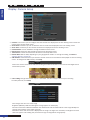
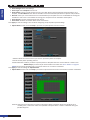
• Start Time/End Time: Click on the day in the calendar and specify the beginning time and end time of the
footage you want to review in playback. Then click Play Back. The Playback screen opens.
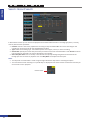
NOTE:
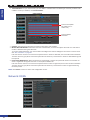
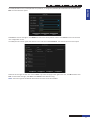
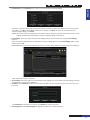
• The days that are marked with a small orange triangle indicate the days when a recording took place.
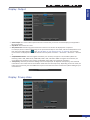
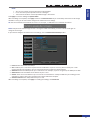
• The channels that have recordings on a specific day are displayed in the channel view. Uncheck the channels you
do not wish to see in playback.
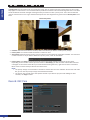
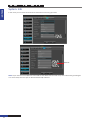
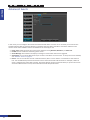
Channel view
NVR User’s Manual
48