1
Lake Contour User Mode Manual
Levels, EQ, and Crossover
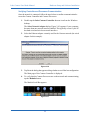
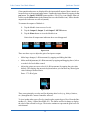
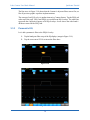
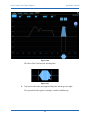
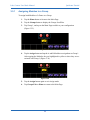
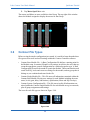
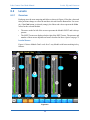
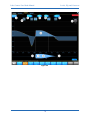
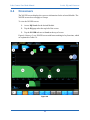
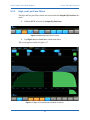
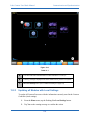
To change the crossover shape:
1.
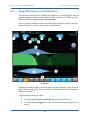
Tap the required crossover filter box to select the crossover.
2.
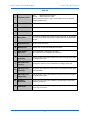
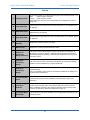
Tap Crossover Select.
3.
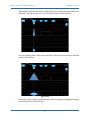
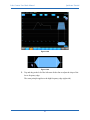
Drag the Scroll Bar left or right to locate the desired crossover shape.
4.
Select a crossover shape from the Scroll Bar.
A yellow border indicates selection.
5.
Tap Crossover Set.
6.
Tap Yes in the warning message to confirm the action.
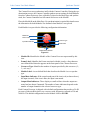
Alignment Delay
Not available for 2- or 3-way crossovers.
This button is active only when a crossover filter box is selected on a 4-way crossover.
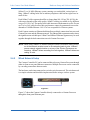
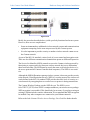
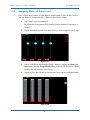
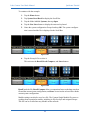
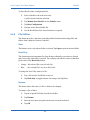
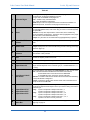
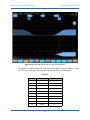
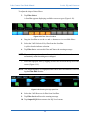
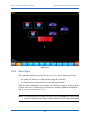
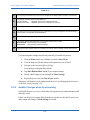
To change Alignment Delay settings for the selected 4-way Frame:
1.
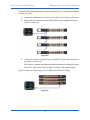
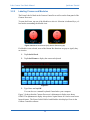
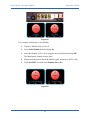
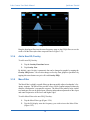
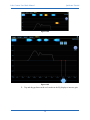
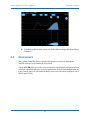
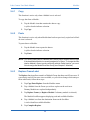
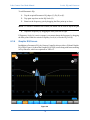
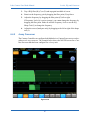
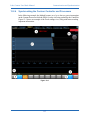
Tap Alignment Delay.
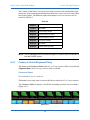
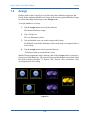
The currently selected delay setting is highlighted in orange.
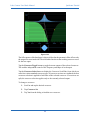
Figure 6-12
6.4.4
2.
Tap a delay setting relevant to the crossover frequencies selected.
3.
Tap Alignment Delay Exit to return to the main crossover menu.
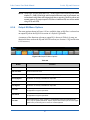
Crossover Set
Not available for 4-way crossovers.
Tap Crossover Select then select a crossover shape from the Scroll Bar to activate this
function (see Crossover Select on page 88).
6.4.5
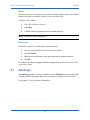
Crossover Toggle
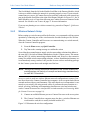
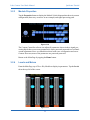
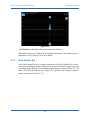
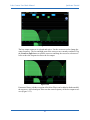
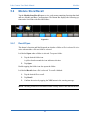
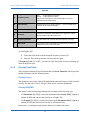
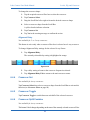
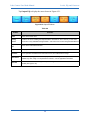
Tap Crossover Toggle to switch between each half of the selected crossover.
6.4.6
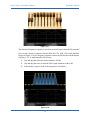
Crossover Split/Combine
Not available for 4-way crossovers.
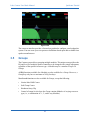
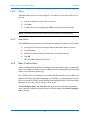
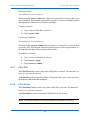
This button’s label changes depending on the state of the currently selected crossover Filter.
89