1
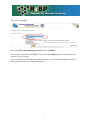
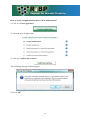
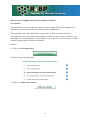
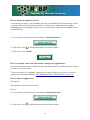
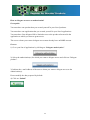
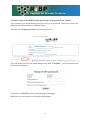
You tried to login to the R4BP and got the message “Your password has expired?
The system does not automatically propose to renew your password. You need to execute the
change password procedure as explained below.
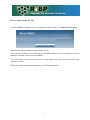
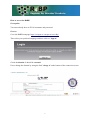
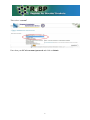
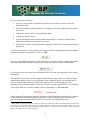
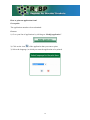
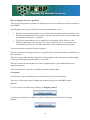
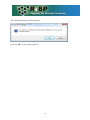
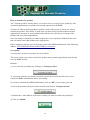
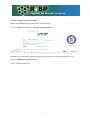
You click on "Change password" under the login section.
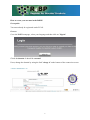
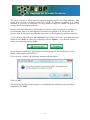
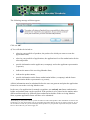
You will need to provide your email address in the field "Username", your current password
and your new password.
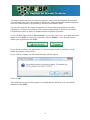
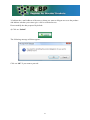
Click then on "Submit"to proceed with the password change.
Make also sure that you have selected the right domain.
30