1
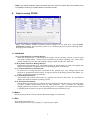
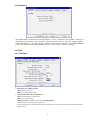
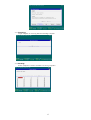
Note! The division between Supervisor Mode and User mode only exists when the attribute of the
boot partition is set to (A): system partition for instant recovery.
2.
How to setup FDISK
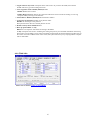
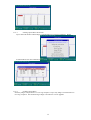
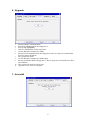
Magic Card supports multiple operating systems installed on one hard drive when [Custom
Installation] is used. Each operating system is in a different physical partition, allowing multibooting up to 40 partitions.
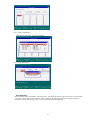
2.1 Attributes
(1) A: System Partition for Instant Restore:
When this partition type, is implemented all changes will be instantly restored to their original
state with a simple reboot. Various restore schedules are provided, including every reboot, daily,
weekly, monthly, a given date and manually. Supports DOS, 98, ME, NT, 2000, XP.
(2) B: System Partition for Backup Restore:
Implementing this partition type, will enable backing-up data manually, or restore the original data
using preset schedules. It supports almost all operating systems in the market.
(3) C: System Partition for No Restorate:
No protection or backup function is provided in this partition type. Any changes made in this
partition are permanent and will remain. It supports almost all operating system in the market. It is
mainly used for networking environments.
(4) S: Shared Data Partition:
This partition type will be visible with every partition you choose to boot from. It is excellent for
sharing data between different operating systems.
(5) P: Private Data Partition:
This partition type will only be visible for the boot partition with the same name in the setup menu.
It will be invisible when booting from any other partitions. This is excellent for constantly
changing data that is exclusive to one operating system. For example, if the name of boot partition
is [Win98], then the name of its private data partition must be [Win98] as well.
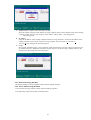
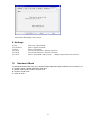
2.2 Name
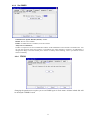
Identity of the partition in the boot menu. Maximum length is 10 characters
2.3 Size
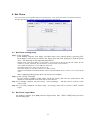
Setup preferred partition size.
Enter the preferred size or press [Page Up / Page Down] to adjust.
5