1
Introduction
3
Key Features
3
Requirements
4
Setup with 3 easy steps
4
Network Connection
4
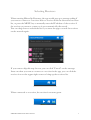
Selecting Receivers
5
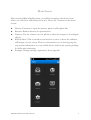
Main Screen
6
Presenting Documents
7
Presenting Photos
9
Photo Tools
10
Dropbox Access
11
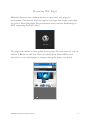
Presenting Web Pages
13
Using Camera
14
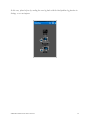
Showing Screenshots
15
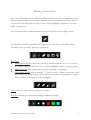
Making Annotations
17
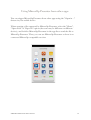
Using MirrorOp Presenter from other apps
19
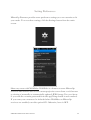
Setting Preferences
20
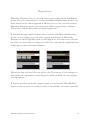
Registration
22
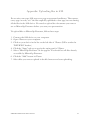
Appendix: Uploading files in iOS
23
Frequently Asked Questions
24