1
VirusBuster Professional 2005
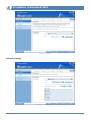
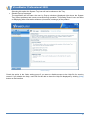
Update process – Summary, update with problems
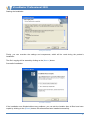
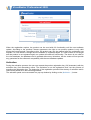
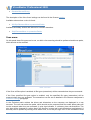
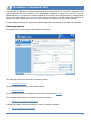
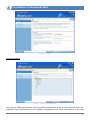
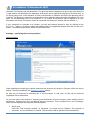
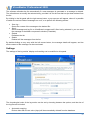
By selecting the Mail to VirusBuster and clicking on the |Finish| button, you can send a notification about
the problem to VirusBuster, which will be analyzed by our staff and you will be notified about the
problem’s possible resolution.
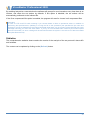
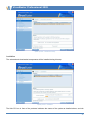
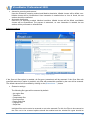
If you want to send an e-mail, its content and settings can be viewed by clicking on the |View problem
report| button. This panel contains the address of the sender and the recipient, the report.zip file
which will be attached to the mail and which can be viewed by clicking on the |Browse …| button. This
compressed file contains files, which are needed for finding and analyzing the problem.
47