1
Data entry and text displays
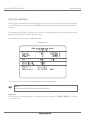
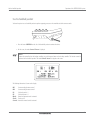
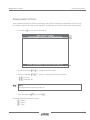
Displaying measurement values
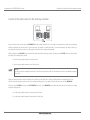
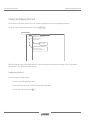
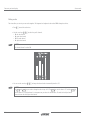
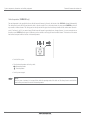
Using the meter counter
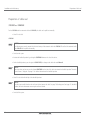
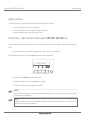
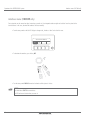
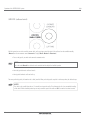
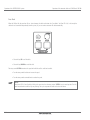
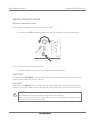
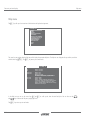
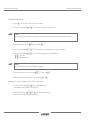
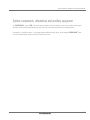
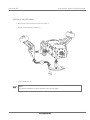
• Press the 8 function key to show/ hide the meter counter.
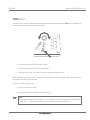
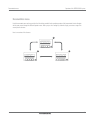
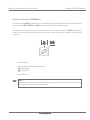
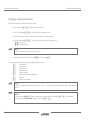
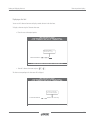
• Press the key combination X+8 to set the meter counter to a particular value.
NOTE!
When making an entry, the format must always be considered. Always enter the new value including special characters.
• Confirm the value entered with @ or cancel with U.
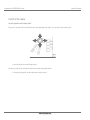
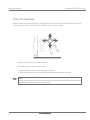
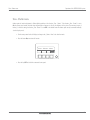
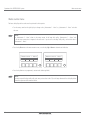
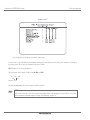
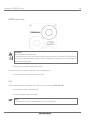
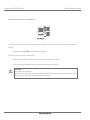
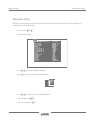
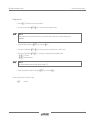
• Press the key combination V+8 to use the cursor keys to position the meter counter on the screen.
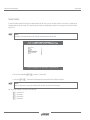
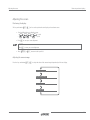
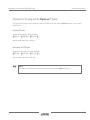
• Press the key combination VI+ cursor keys to change the text or background color.
- CT: Text color
- >A: Background color
NOTE!
For further information about the color settings see page 125.
• Confirm the position and choice of color with @ or cancel with U.
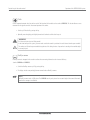
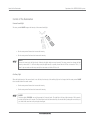
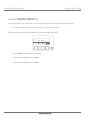
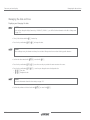
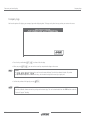
• Reset the meter counter to zero with the key combination I+..
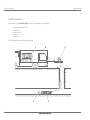
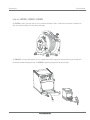
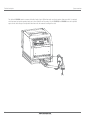
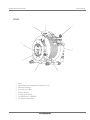
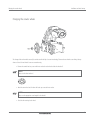
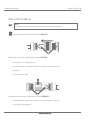
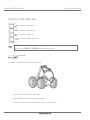
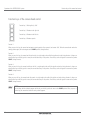
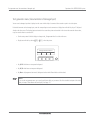
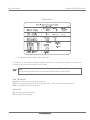
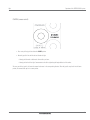
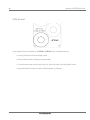
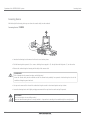
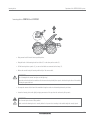
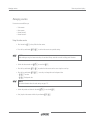
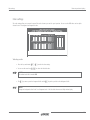
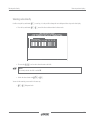
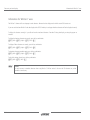
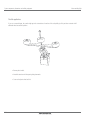
Depending on the system configuration, you may have two meter counters:
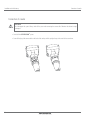
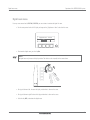
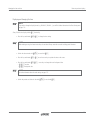
• Press the key combination V+. to switch to meter counter 1
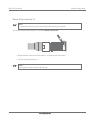
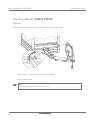
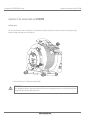
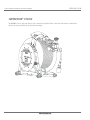
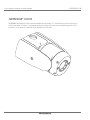
(small metering wheel integrated in the cable drum).
• Press the key combination XV+. to switch to meter counter 2
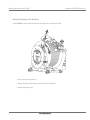
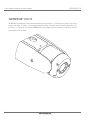
(metering wheel on large, extending diverter roller).
118