1
Manual 37146B
LeoPC1 - User Manual
CAN Bus Interface
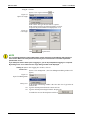
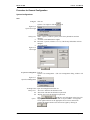
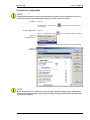
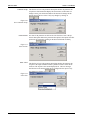
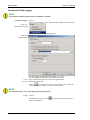
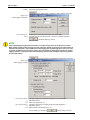
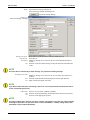
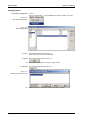
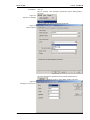
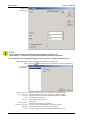
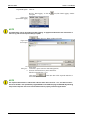
To set:
Click on:
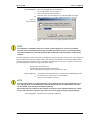
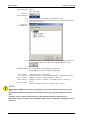
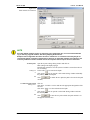
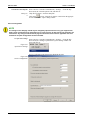
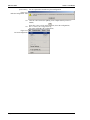
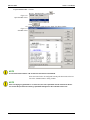
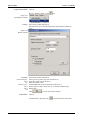
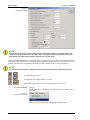
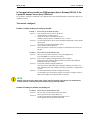
Devices...Settings... (The “Settings to parameterize system” dialog window
will open)
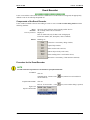
Figure 4.12
Open Device Settings
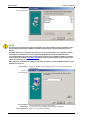
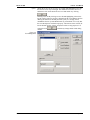
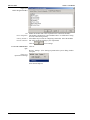
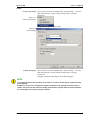
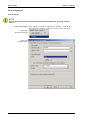
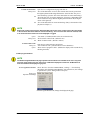
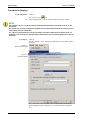
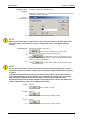
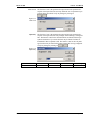
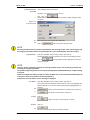
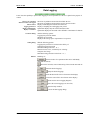
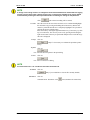
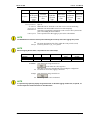
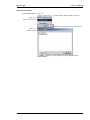
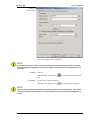
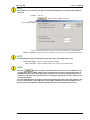
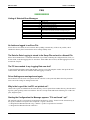
General settings tab page (changes the displayed tab page)
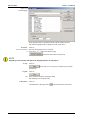
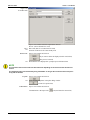
Figure 4.13
General Options
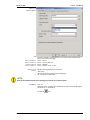
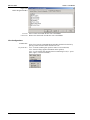
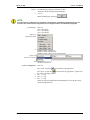
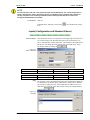
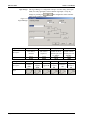
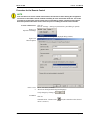
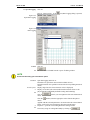
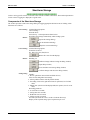
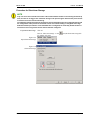
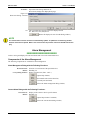
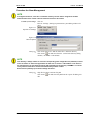
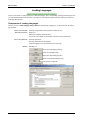
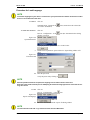
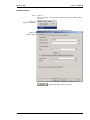
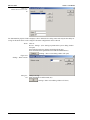
Select the CAN bus driver (pull down menu with all installed drivers)
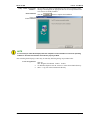
(CAN Settings dialog window will open)
© Woodward
Page 77/91