1
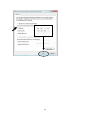
video players like Windows Media Player or QuickTime, this video player
allows you to play video file on Presentation Server’s display in full-screen
mode. And while you’re playing video file, you can still use your computer’s
display to do other jobs:
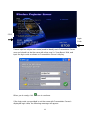
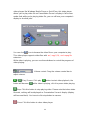
You can click
icon to browse the video file on your computer to play.
This video player supports video files with .asf, .mpg1,2,4, and .mpeg file
extension.
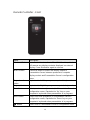
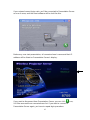
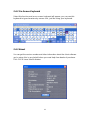
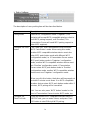
While video is playing, you can use these buttons to control the progress of
video playing:
Volume control: Drag the volume control bar to
adjust volume.
/
Play / Pause: Click play
button will become
button to start video playback; the
while video is playing, click it to pause video playing.
Stop: Click this button to stop playing video. Please note that when video
file ends, nothing will be displayed on Presentation Server’s display (display
will become black). You have to click stop button to resume.
Close: Click this button to close video player.
40