1
User Manual of iVMS-4200 PCNVR
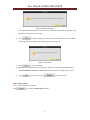
select no, the data will not be over-written.
10.2 General Configuration
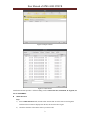
Steps:
1.
Click
2.
Click
3.
Click
tab page on the navigation bar.
icon.
icon.
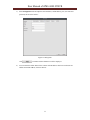
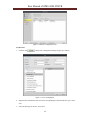
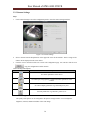
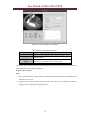
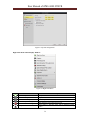
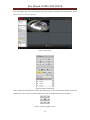
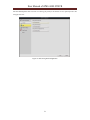
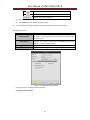
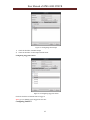
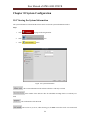
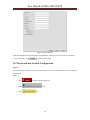
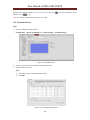
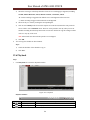
Figure 10.2 System Configuration-General
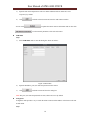
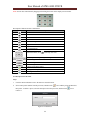
is to set the value for the view scale, and the value can be full screen, 16:9, 4:3 and the
original resolution.
is to choose the network performance of the software.
is to set the CPU performance, you are recommended to set the high CPU performance
when the CPU load is low, and low CPU performance when the CPU load is high.
check to enable the quick setting toolbar on the live view page.
87