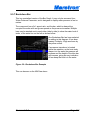
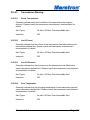
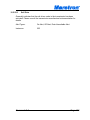
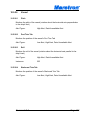
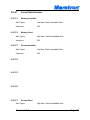
1
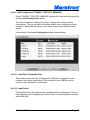
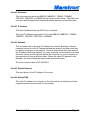
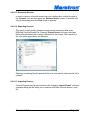
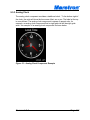
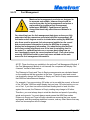
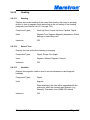
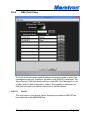
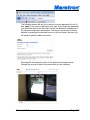
Figure 42 – Alert Controlled Rocker Switch
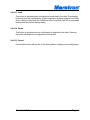
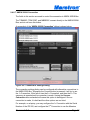
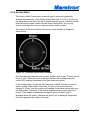
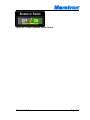
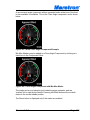
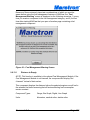
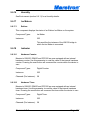
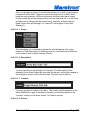
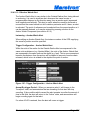
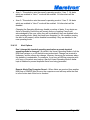
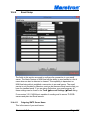
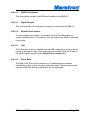
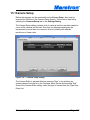
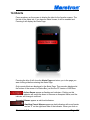
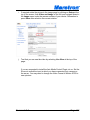
When a breaker or switch is being controlled by the N2KView Load Controller,
the control is overlaid with a LOAD SHED or LOAD CONTROLLED symbol.
Users should take note that the switch may be activated or deactivated without
warning, and must be considered alive even though it is in the OFF position.
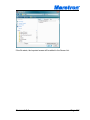
Figure 43 – Load Controlled Rocker Switch
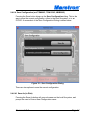
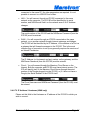
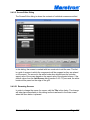
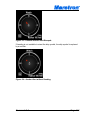
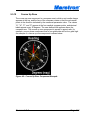
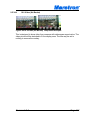
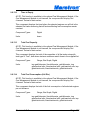
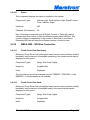
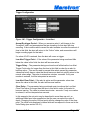
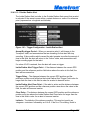
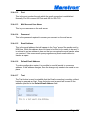
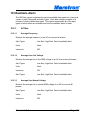
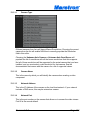
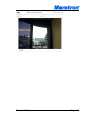
Switches that have been LOCKed in either the on or off position are overlaid with
a yellow LOCKED symbol.
Figure 44 – Locked Rocker Switch
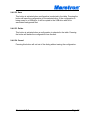
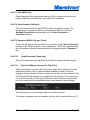
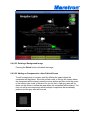
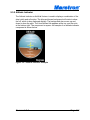
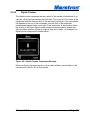
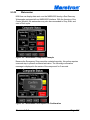
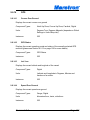
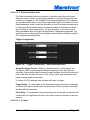
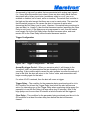
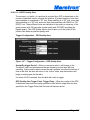
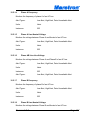
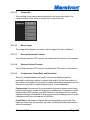
Switches that are part of a Breaker/Switch Group may be overlaid with the text
Group Controlled in yellow. This may be suppressed in the Switch/Breaker
Group Edit dialog. (see 9.4.8.4.3)
Revision 5.0.0
Page 146