1
SgLabs
www.sglabs.it
email: m.sev@sglabs.it
tel. +39 0755149360
Chapter 2 Connectors and Controls
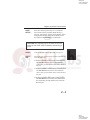
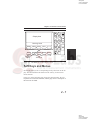
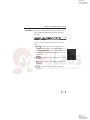
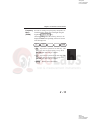
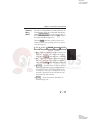
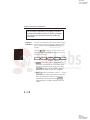
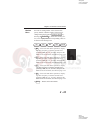
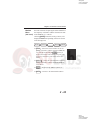
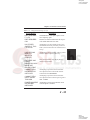
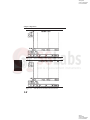
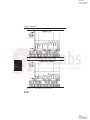
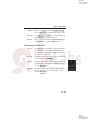
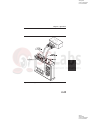
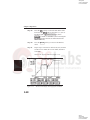
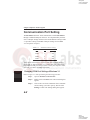
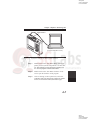
Main Menu At turn on, the Main Menu soft keys, below, are displayed, and the Marker status is shown in the message area.
These soft keys provide the following menu selections:
q
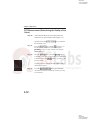
MODE — Selects the type of measurement. Use
the Up/Down Arrow key and the ENTER key to
select the type of measurement in the FREQ, DTF,
POWER MONITOR, and RF SOURCE measurement modes.
q
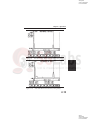
FREQ — Selects the Frequency Menu, described
on page 2-13.
q
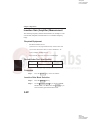
SCALE —Selects the Scale Menu, described on
page 2-14.
q
OPT — Selects the Option Menu, described on
page 2-15.
2-9
SgLabs
www.sglabs.it
email: m.sev@sglabs.it
tel. +39 0755149360