1
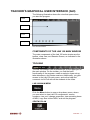
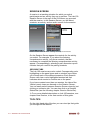
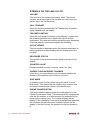
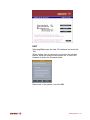
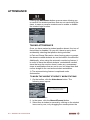
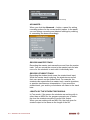
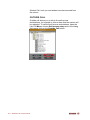
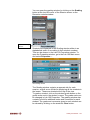
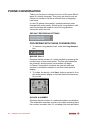
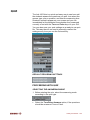
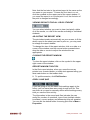
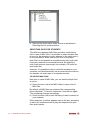
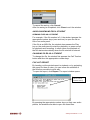
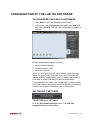
Replication of the student’s User Audio Panel
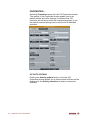
AUTOMONITOR
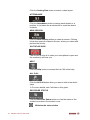
An easy way of monitoring all the present workstations is the
automonitoring scanning mode, where all the present
workstations are monitored automatically and consecutively.
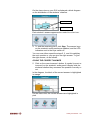
You can select the amount of monitoring time. The icon of
the monitored student reflects which student is being
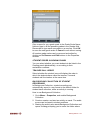
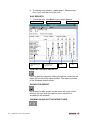
monitored at a time, and shows a replication of the monitored
student’s audio panel on the Session Screen.
If you have marked the absent students’ workstations when
taking attendance, the monitor doesn’t make any
unnecessary stops, but skips the unused workstations, and
moves straight to the next active student workstation.
TO MONITOR STUDENTS AUTOMATICALLY
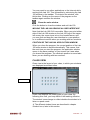
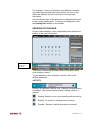
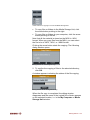
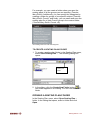
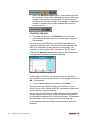
1. To start students’ automatic monitoring, click on a student
icon. A monitor panel opens.
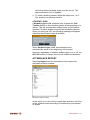
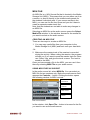
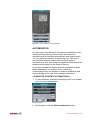
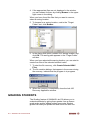
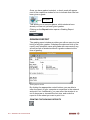
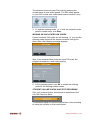
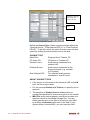
Monitoring panel
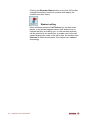
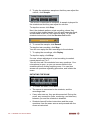
2. On the panel, click the Start Automonitor button.
Audio Connections • 55