1
TurningPoint 5.3
27
CREATING A NEW QUESTION LIST
A question list can be used for PowerPoint Polling, Anywhere Polling and Self-Paced Polling. When creating a question
list, the preferences can be saved and used as a template for future question lists.
How to create a new question list...
1
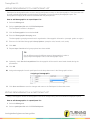
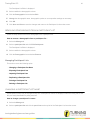
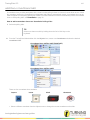
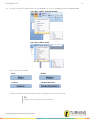
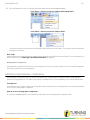
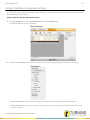
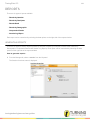
Select the Content tab.
2
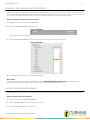
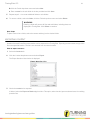
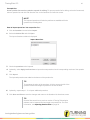
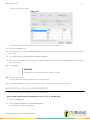
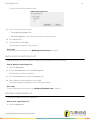
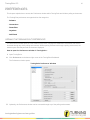
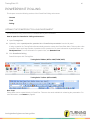
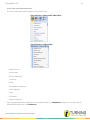
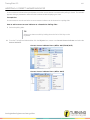
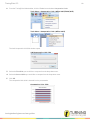
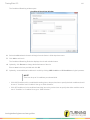
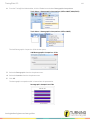
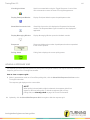
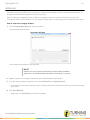
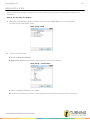
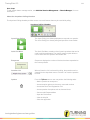
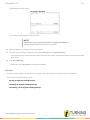
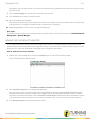
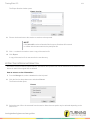
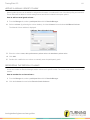
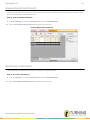
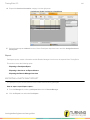
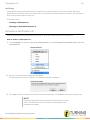
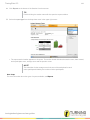
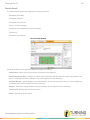
Click the Content drop-down menu, mouse over New and select Question List.
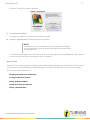
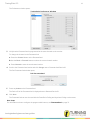
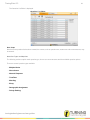
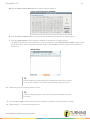
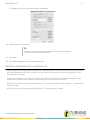
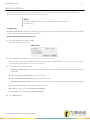
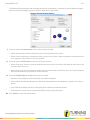
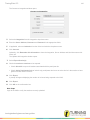
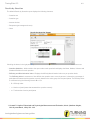
The Question List window opens.
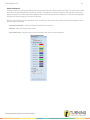
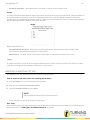
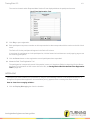
Question List Window
3
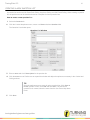
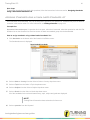
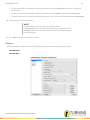
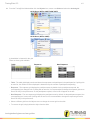
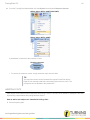
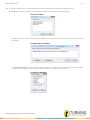
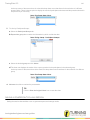
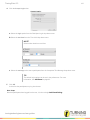
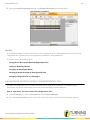
Enter a name and a brief description for the question list.
4
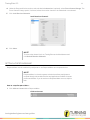
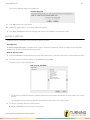
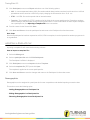
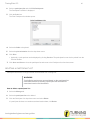
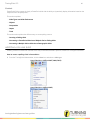
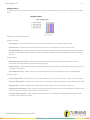
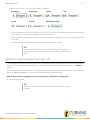
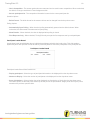
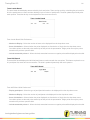
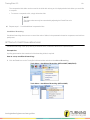
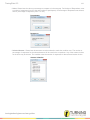
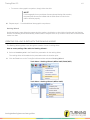
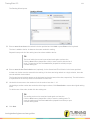
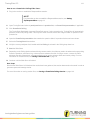
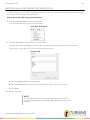
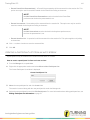
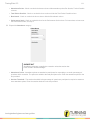
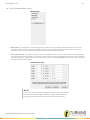
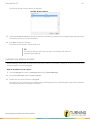
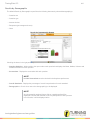
Click the arrow next to Preferences to expand the window and adjust the options as necessary in the Content and
Polling sections.
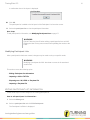
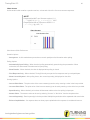
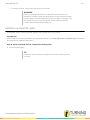
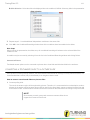
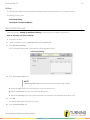
TIP
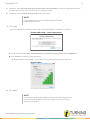
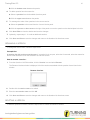
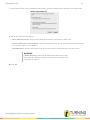
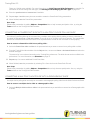
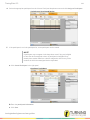
Save the preferences as a preset for other question lists. Click Save as
Preset, provide a name, click Add and then Save. The next time a
question list is created, select the name from the Use Preset drop-down
menu.
5
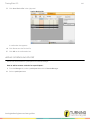
Click Save.
turningtechnologies.com/user-guides