1
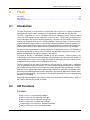
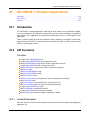
Hibernation Module
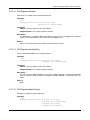
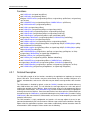
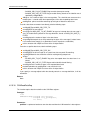
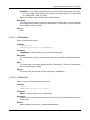
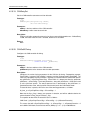
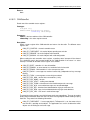
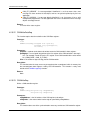
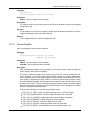
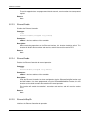
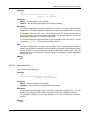
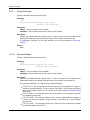
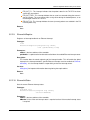
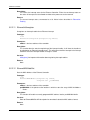
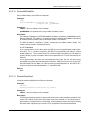
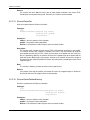
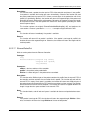
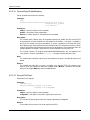
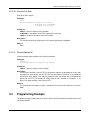
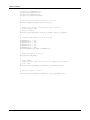
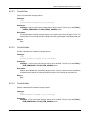
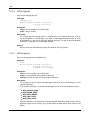
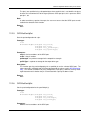
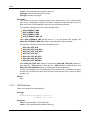
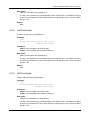
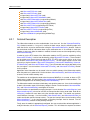
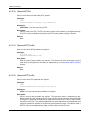
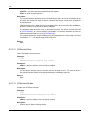
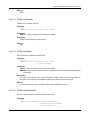
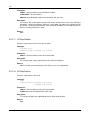
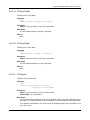
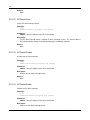
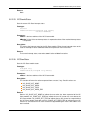
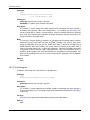
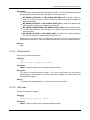
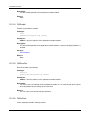
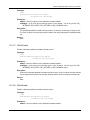
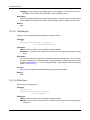
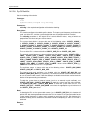
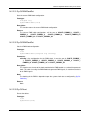
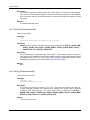
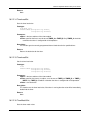
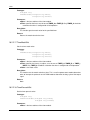
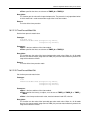
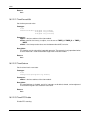
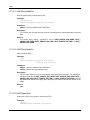
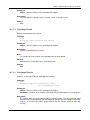
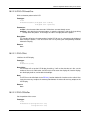
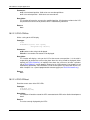
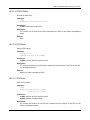
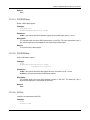
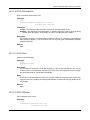
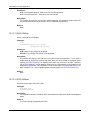
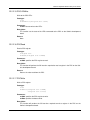
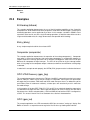
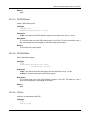
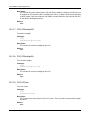
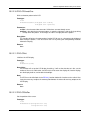
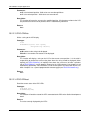
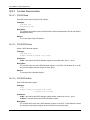
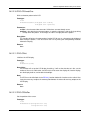
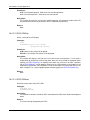
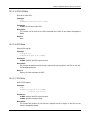
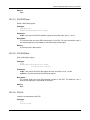
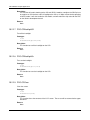
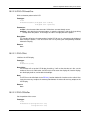
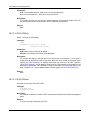
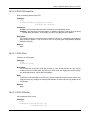
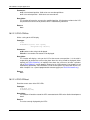
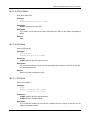
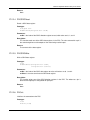
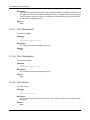
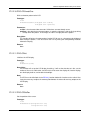
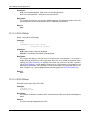
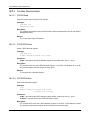
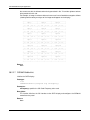
void HibernateRTCDisable (void)
void HibernateRTCEnable (void)
unsigned long HibernateRTCGet (void)
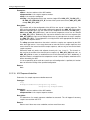
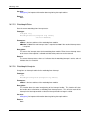
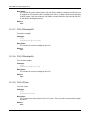
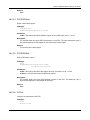
unsigned long HibernateRTCMatch0Get (void)
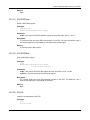
void HibernateRTCMatch0Set (unsigned long ulMatch)
unsigned long HibernateRTCMatch1Get (void)
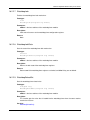
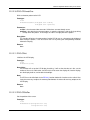
void HibernateRTCMatch1Set (unsigned long ulMatch)
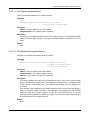
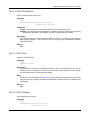
void HibernateRTCSet (unsigned long ulRTCValue)
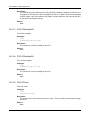
unsigned long HibernateRTCTrimGet (void)
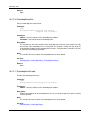
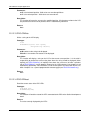
void HibernateRTCTrimSet (unsigned long ulTrim)
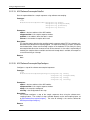
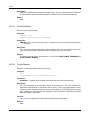
unsigned long HibernateWakeGet (void)
void HibernateWakeSet (unsigned long ulWakeFlags)
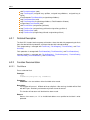
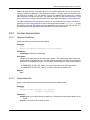
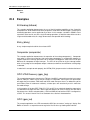
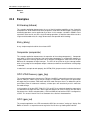
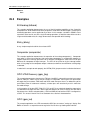
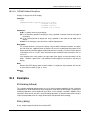
8.2.1
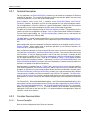
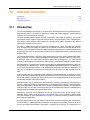
Detailed Description
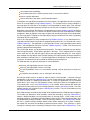
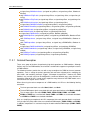
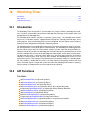
The Hibernation module must be enabled before it can be used. Use the HibernateEnableExpClk() function to enable it. If a crystal is used for the clock source, then the initializing code must
allow time for the crystal to stabilize after calling the HibernateEnableExpClk() function. Refer to
the device data sheet for information about crystal stabilization time. If an oscillator is used, then
no delay is necessary. After the module is enabled, the clock source must be configured by calling
HibernateClockSelect().
In order to use the RTC feature of the Hibernation module, the RTC must be enabled by calling
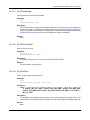
HibernateRTCEnable(). It can be later disabled by calling HibernateRTCDisable(). These functions
can be called at any time to start and stop the RTC. The RTC value can be read or set by using
the functions HibernateRTCGet() and HibernateRTCSet(). The two match registers can be read
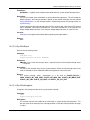
and set by using the functions HibernateRTCMatch0Get(), HibernateRTCMatch0Set(), HibernateRTCMatch1Get() and HibernateRTCMatch1Set(). The real time clock rate can be adjusted by using
the trim register. Use the functions HibernateRTCTrimGet() and HibernateRTCTrimSet() function
for this purpose.
Application state information can be stored in the non-volatile memory of the Hibernation module
when the processor is powered off. Use the functions HibernateDataSet() and HibernateDataGet()
to access the non-volatile memory area.
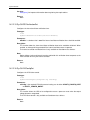
The module can be configured to wake when the external WAKE pin is asserted, or when an RTC
match occurs, or both. Use the function HibernateWakeSet() to configure the wake conditions. The
present configuration can be read by calling HibernateWakeGet().
The Hibernation module can detect a low battery and signal the processor. It can also be configured
to abort a hibernation request if the battery voltage is too low. Use the functions HibernateLowBatSet() and HibernateLowBatGet() to configure this feature.
Several functions are provided for managing interrupts. Use the function HibernateIntRegister() and
HibernateIntUnregister() to install or uninstall an interrupt handler into the vector table. Refer to the
IntRegister() function for notes about using the interrupt vector table. The module can generate
several different interrupts. Use the functions HibernateIntEnable() and HibernateIntDisable() to
enable and disable specific interrupt sources. The present interrupt status can be found by calling
HibernateIntStatus(). In the interrupt handler, all pending interrupts must be cleared. Use the
HibernateIntClear() function to clear pending interrupts.
Finally, once the module is appropriately configured, the state saved and the software application is
ready to hibernate, call the HibernateRequest() function. This will initiate the sequence to remove
96
October 11, 2007