1
1.6 Setting dip-switch
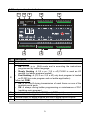
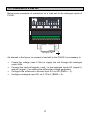
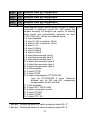
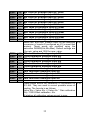
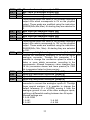
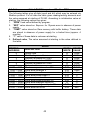
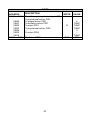
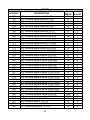
PL260 is provided with internal dipswitches, which allow the user to configure
the analogue inputs, to select the serial interface EXP1 to be connected to
terminals, to select the device address and other plc functions.
WARNING: All hardware configuration procedures must be done with
PL260 switched off.
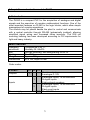
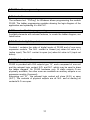
1.6.1 Setting dip-switch to select EXP1 interface
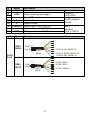
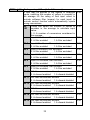
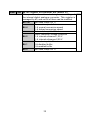
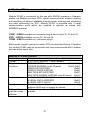
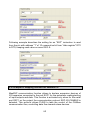
Pins 34, 35 and 36 can have a double function which can be selected through
dip-switch S6, found under the 6 way terminal block and accessible without
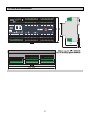
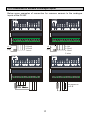
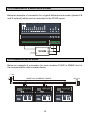
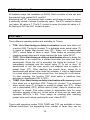
removing the cover of the box. To enable the required serial EXP1 interface,
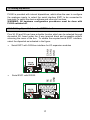
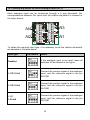
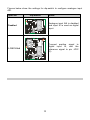
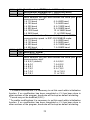
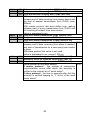
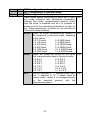
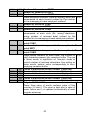
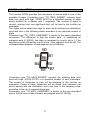
select the dipswitch as indicated in the figure:
Serial EXP1 with CAN-bus interface for I/O expansion modules
•
Serial EXP1 with RS232.
RX
TX
GND
CAN H
CAN L
GND
•
15