1
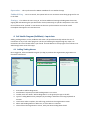
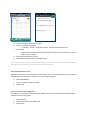
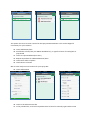
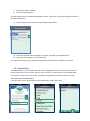
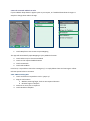
To take a photo
1.
2.
3.
4.
Focus on the image required
Touch the camera at the bottom of your screen
To continue, press Use. Retake image if incorrect
Touch Done when complete
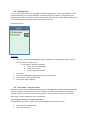
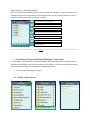
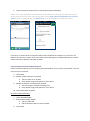
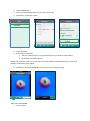
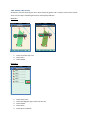
To take a video
1. Swipe from the camera picture to the video picture in the bottom right corner of
your screen
2. Press red dot to record
3. Press red dot again to finish recording
4. Select Use or Retake as required
5. Touch Done when complete
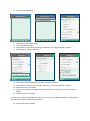
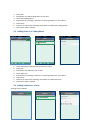
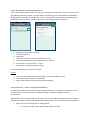
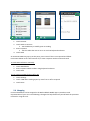
5.5.1.2 For audio media
1. Touch Talk
2. Record your voice clip
3. Touch Talk Off when complete
4. Touch ‘Play’ arrow to hear back
5. Touch Done when complete
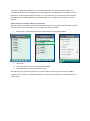
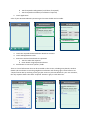
Repeat steps above to add additional media.
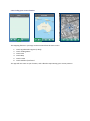
Several options are now available; this can be viewed and sent to an email or incorporated into a
Recommendation.
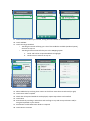
5.5.2 Send Paddock Entry by email
Paddock Entry files can be sent by email for your records. Please note: Internet connection required.