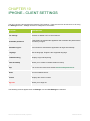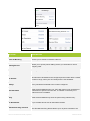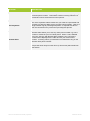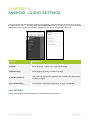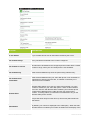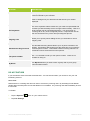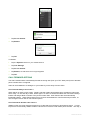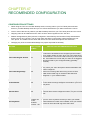
1
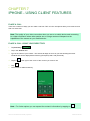
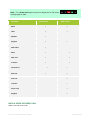
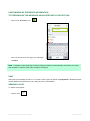
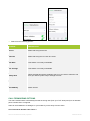
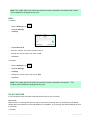
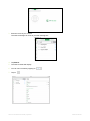
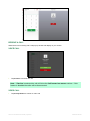
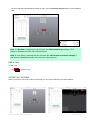
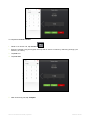
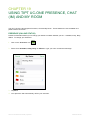
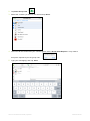
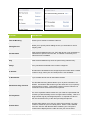
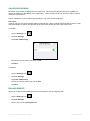
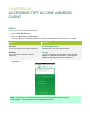
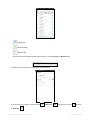
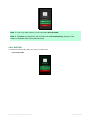
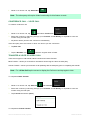
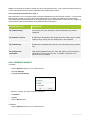
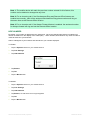
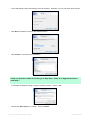
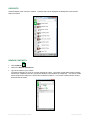
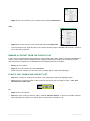
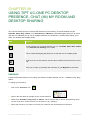
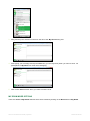
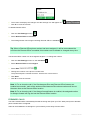
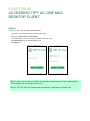
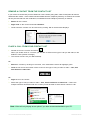
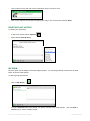
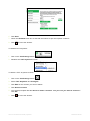
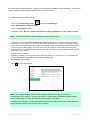
Note: Chat room buddies will receive a Group chat request to join the Chat session and they
must tap accept to join the session.
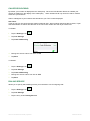
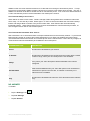
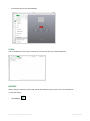
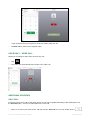
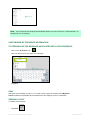
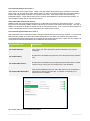
ADDING ADDITIONAL BUDDIES TO THE CHAT ROOM
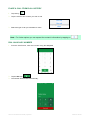
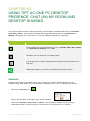
You can add addional buddies to your Chat session at any stage.
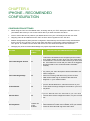
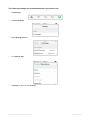
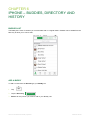
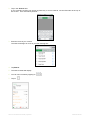
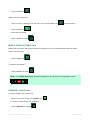
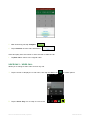
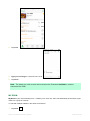
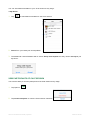
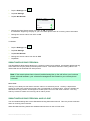
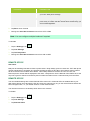
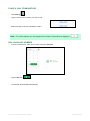
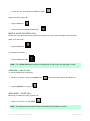
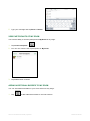
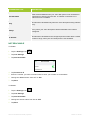
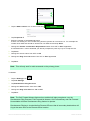
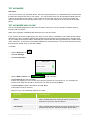
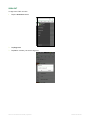
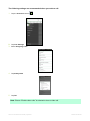
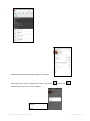
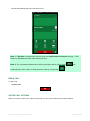
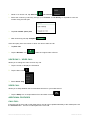
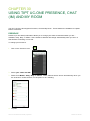
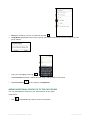
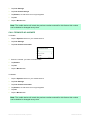
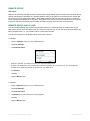
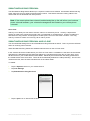
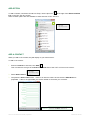
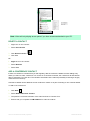
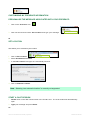
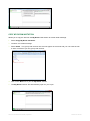
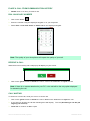
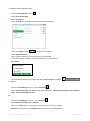
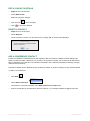
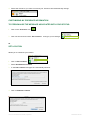
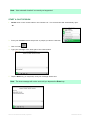
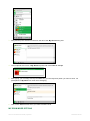
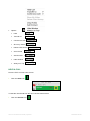
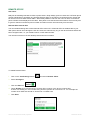
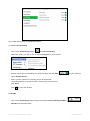
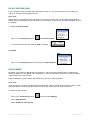
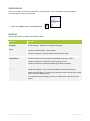
1. Tap
to add additional buddies to the Chat session.
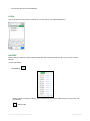
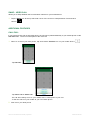
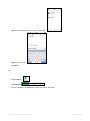
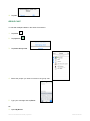
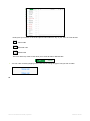
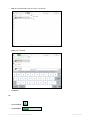
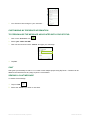
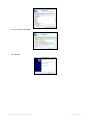
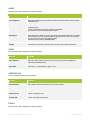
2. Select from your buddy list and tap Done
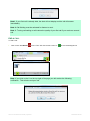
3. The additional contacts/buddies will be sent a Group chat request and they need to Accept to join
My Room.
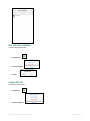
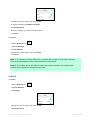
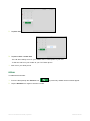
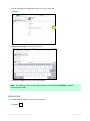
VIEW PARTICIPANTS OF THE CHAT SESSION
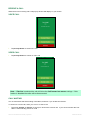
You have the ability to view the participants of the Chat session at any stage.
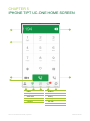
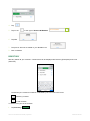
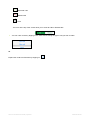
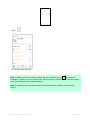
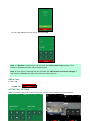
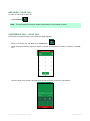
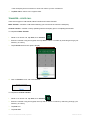
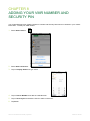
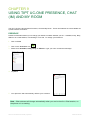
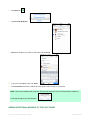
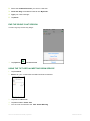
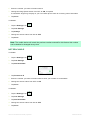
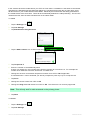
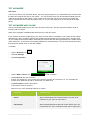
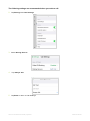
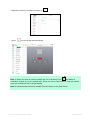
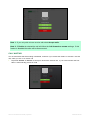
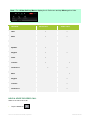
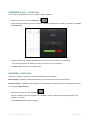
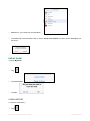
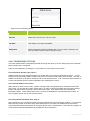
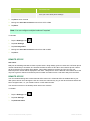
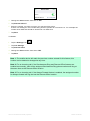
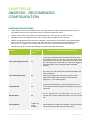
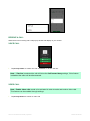
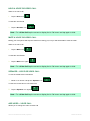
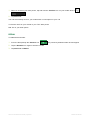
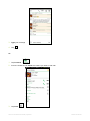
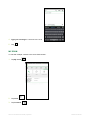
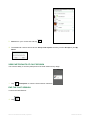
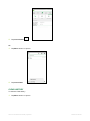
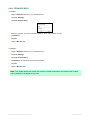
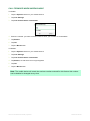
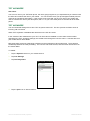
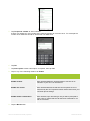
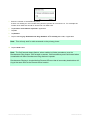
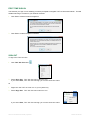
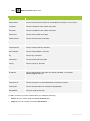
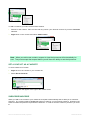
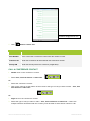
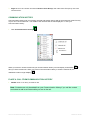
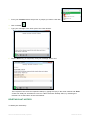
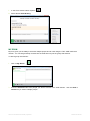
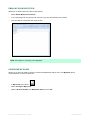
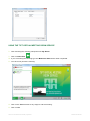
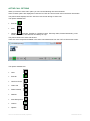
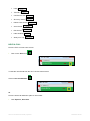
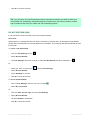
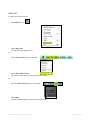
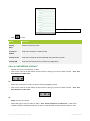
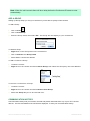
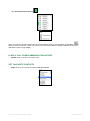
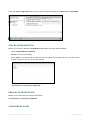
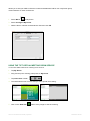
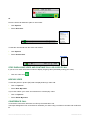
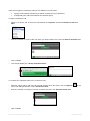
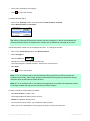
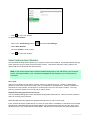
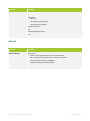
1. Tap View Participants
2. You can now view the list of participants in the chat session.
TIPT UC-One Client User Guide | April 2015
PAGE 100 OF 290