1
Chapter 2
The User Interface
2.8
Preferences
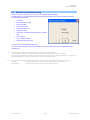
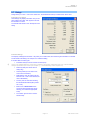
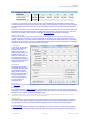
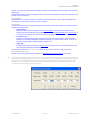
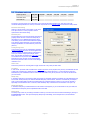
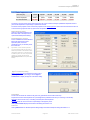
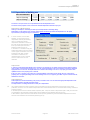
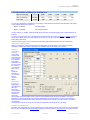
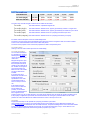
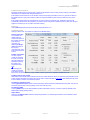
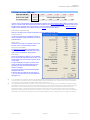
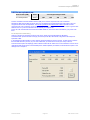
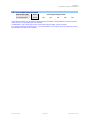
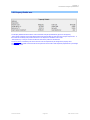
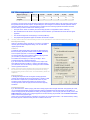
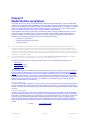
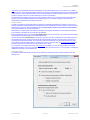
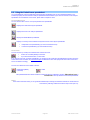
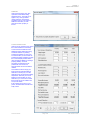
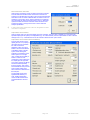
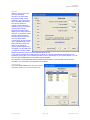
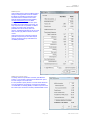
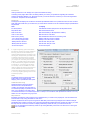
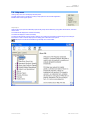
The Preferences menu item in the Settings menu allows you to tailor the user interface to your personal needs and
preferences.
Here are some of the things you can do:
Change font styles and sizes
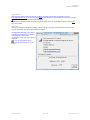
The spreadsheets have been designed to display correctly using Times Roman up to font size 11.
Increase magnification
If you have trouble reading the screen, you can increase magnification
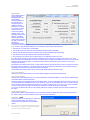
Specify file locations
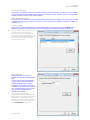
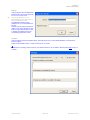
You can tell PIA where to store program files and where to store your PIA data files.
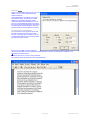
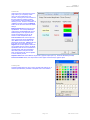
Choose the colours used in graphics
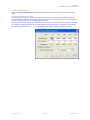
Preferences are covered in detail in the Settings menu (see 7.7).
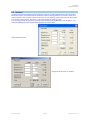
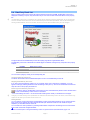
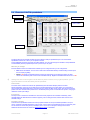
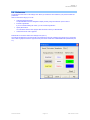
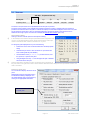
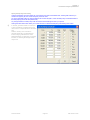
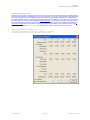
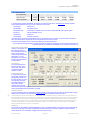
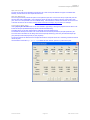
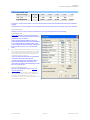
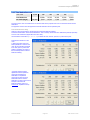
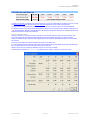
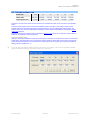
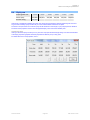
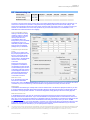
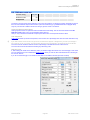
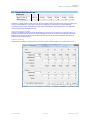
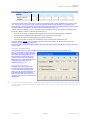
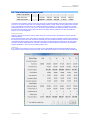
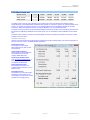
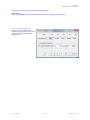
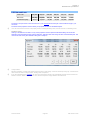
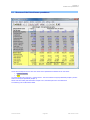
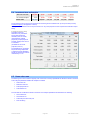
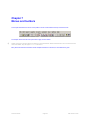
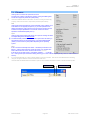
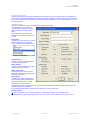
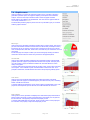
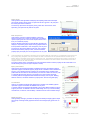
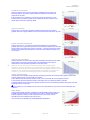
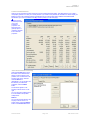
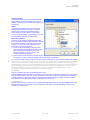
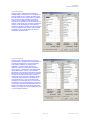
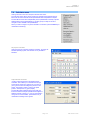
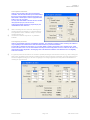
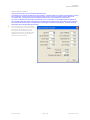
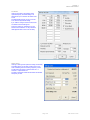
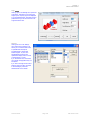
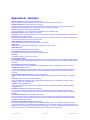
An example of Preferences: The Colours tab in the Preferences menu item (Settings menu) allows you to choose the
colours used in graphics and for the upper and lower parts of the Linked loans and Wealth Builder spreadsheets (see
7.7).
PIA User Guide
Page 15
PIA Version 7.320