1
3.12.5
Setting Live View with Pop-up Alert
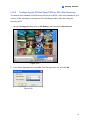
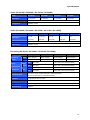
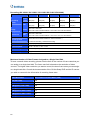
You can set a different live view mode with pop-up alert together for each monitor. When alert
events occur, the live video of the associated camera will pop up on the assigned monitor to
replace its live view mode.
1. To configure live view mode, follow the instructions in 3.12.2 Setting Live View.
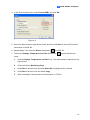
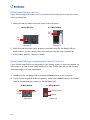
2. To configure pop-up alert, in the upper left column, click Event Popup. Figure 3-46
appears.
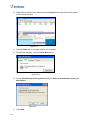
3. Configure Motion Trigger, I/O Trigger, Popup Dwell Time and Popup Interruption
Interval for each monitor. For details see 3.12.4 Setting Pop-up Alert.
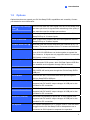
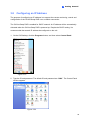
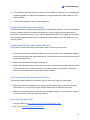
4. Click the Matrix icon and return to Figure 3-46. Ensure the Live Mode option is selected.
5. Click OK. The live view mode you configured for each monitor is displayed.
6. Start monitoring. When alert events occur, the associated camera will pop up on the
desired monitor.
40