1
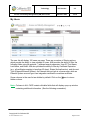
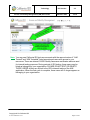
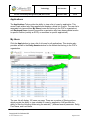
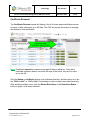
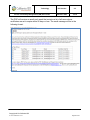
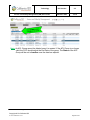
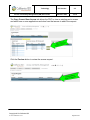
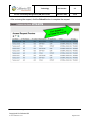
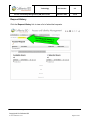
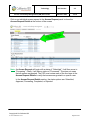
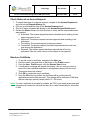
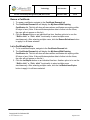
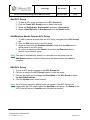
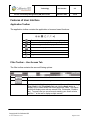
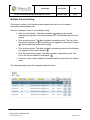
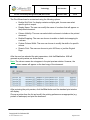
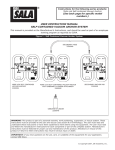
Technology Access and Identity Management (AIM) User Guide ISO Version: 2.3 Effective Date: 7/1/14 Multiple Column Sorting Clicking on a column in the results window enables the user to sort the data in ascending or descending order. Here is an example of how to use multiple sorting: Click a column header. The data is sorted in ascending order and the following icon appears in the column header: . This indicates the first level sorting. Click another column. The data is sorted in ascending order. The icon in the first column changes to: . The following icon appears in the second column: . This indicates the second level sorting. Click another column. The data is sorted in ascending order and the following icon appears in the column header: . Click the same column again. The data is sorted in descending order. The icon in the column header is changed to: . Continue to click column headers to deselect and then reprioritize the sorting order. The following image shows the example explained above: Owner: Radha Madrigal Business Solutions Copyright 2013 California ISO Doc ID: 6DJSCMM56APN-32-160 Page 39 of 42