1
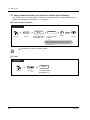
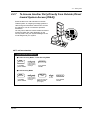
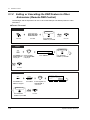
2.8 Using User-supplied Equipment
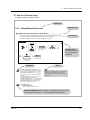
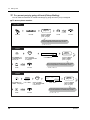
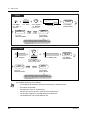
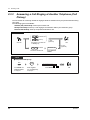
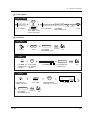
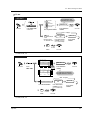
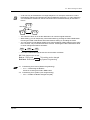
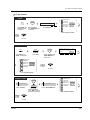
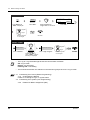
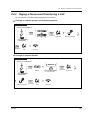
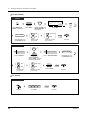
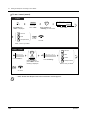
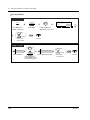
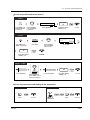
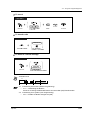
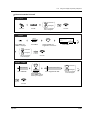
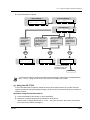
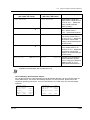
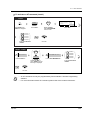
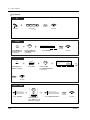
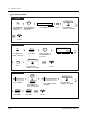
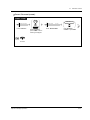
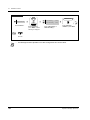
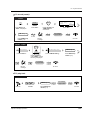
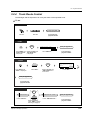
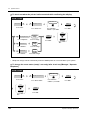
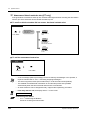
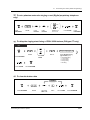
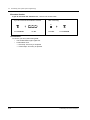
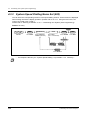
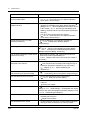
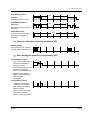
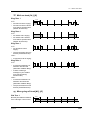
To set / cancel the password (contd.)
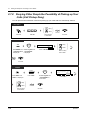
T7533
→L C S #
Log Lock
MENU
FEAT
SHIFT
Press “FEAT.”
Press SHIFT until
“FEAT” is displayed.
desired
password
Rotate Jog Dial until
“LCS #” is at the arrow.
abcabc
abcabc
SEL
Press “SEL.”
desired Set
password
OR
desired
password
C.Tone
Cancel
On-hook.
Enter desired password (3 digits)
twice to set or once to cancel.
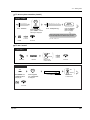
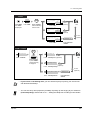
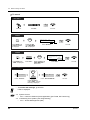
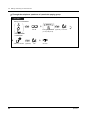
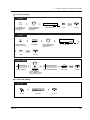
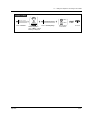
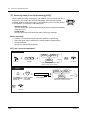
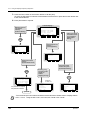
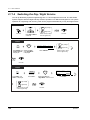
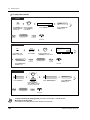
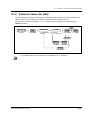
T7536 / T7235
Features
LCS Password (→abcabc)
OR
NEXT
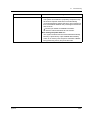
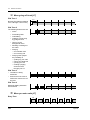
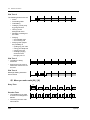
Press “Features.”
Press “LCS Password.”
Rotate Jog Dial or
press “NEXT” until the
following is displayed.
desired
password
desired Set
password
OR
desired
password
Cancel
C.Tone
On-hook.
Enter desired password (3 digits)
twice to set or once or cancel.
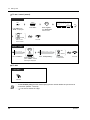
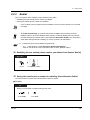
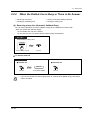
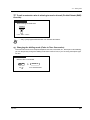
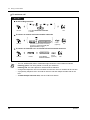
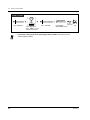
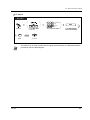
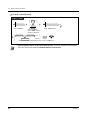
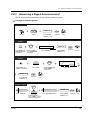
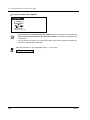
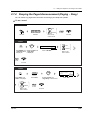
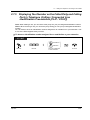
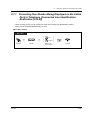
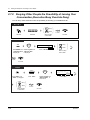
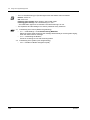
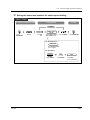
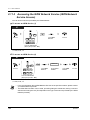
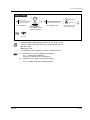
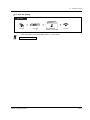
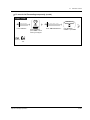
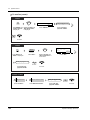
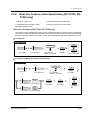
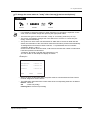
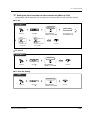
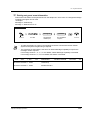
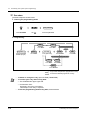
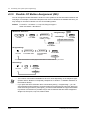
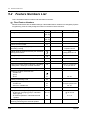
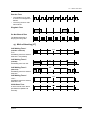
To set Live Call Screening
PT
(Live Call
Screening)
Press Live Call
Screening.
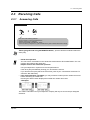
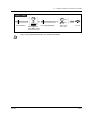
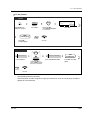
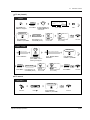
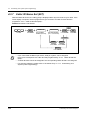
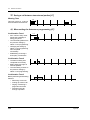
Operation
password
Enter password.
131