1
Recording
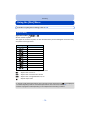
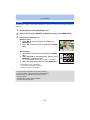
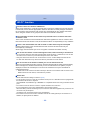
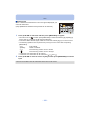
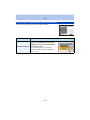
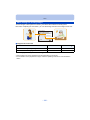
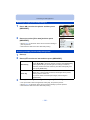
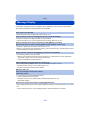
Using the [Motion Picture] Menu
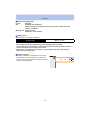
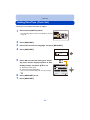
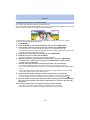
For details on [Motion Picture] menu settings, refer to P38.
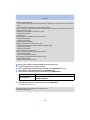
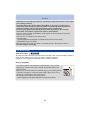
• The [Motion Picture] menu is not displayed in the following cases.
– [Soft Focus]/[Star Filter] (Creative Control Mode)
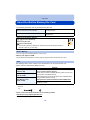
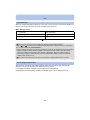
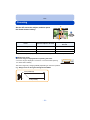
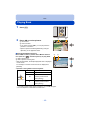
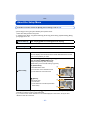
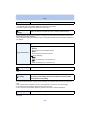
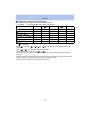
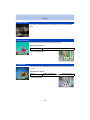
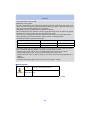
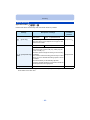
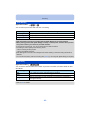
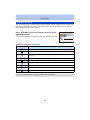
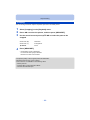
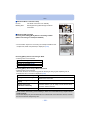
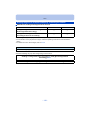
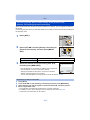
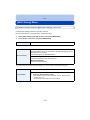
[Rec Quality]
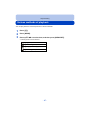
Applicable modes:
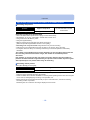
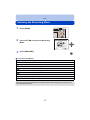
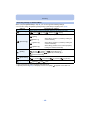
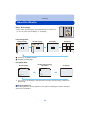
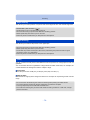
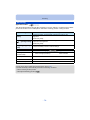
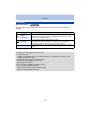
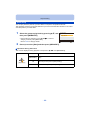
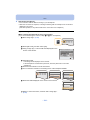
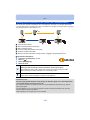
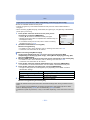
This sets up the picture quality of motion pictures.
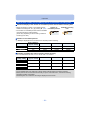
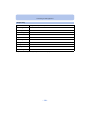
Settings
Picture size
[HD]
1280k720
[VGA]
640k480
[QVGA]
320k240
fps
Aspect ratio
16:9
30
4:3
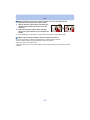
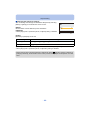
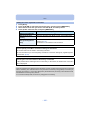
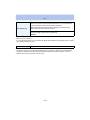
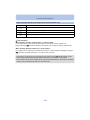
• When recording to the built-in memory, [Rec Quality] is fixed to [QVGA].
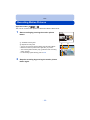
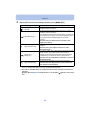
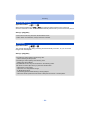
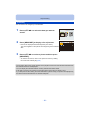
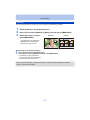
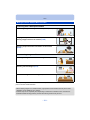
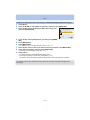
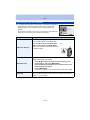
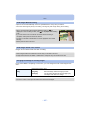
[Continuous AF]
Applicable modes:
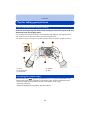
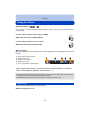
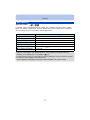
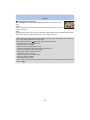
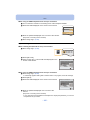
It will continually keep on focusing on a subject for which the focus was once set.
Settings: [ON]/[OFF]
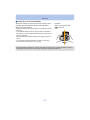
• Set this function to [OFF] if you wish to fix the focus on the position where you started the motion
picture recording.
• The setting is fixed to [OFF] in the following case.
– [Starry Sky] (Scene Mode)
- 86 -