1
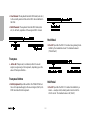
Multi Prog. Change
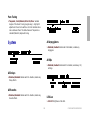
> Enable: Bank data (128 sounds) will be stored to the Bank
from which it was originally dumped, regardless of which
bank is currently selected.
> Disabled, Enabled: Specifies whether the MIDI message
“Program Change” will switch the entire Multi Mode program
if received on the global MIDI channel (see “Global Channel”
on page 126).
> To Bank A: Bank data is always stored in bank A.
> To Bank B: Bank data is always stored in bank B.
> To Bank C: Bank data is always stored in bank C.
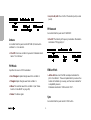
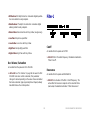
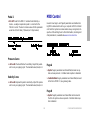
MIDI Dump RX
> To Bank D: Bank data is always stored in bank D.
> To Edit Buffer: Incoming bank data is not stored, but is
treated as a series of individual programs. These will appear
sequentially in the edit buffer – useful for trying out sounds
without having to overwrite an entire bank.
> Verify: Incoming bank data is compared with the memory in
the Virus, after which a status message appears. Use this
setting to check whether a bulk dump has been successful.
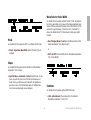
Receive Dump
The Virus automatically recognizes the type of data appearing
at its MIDI input. Whenever individual programs are received,
they will appear in the Edit Buffer (see glossary), and must be
explicitly stored (see “STORE” on page 99). Therefore, the following options only apply when receiving entire banks:
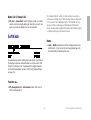
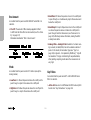
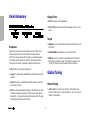
MIDI Dump TX
> Disable: Program data arriving at the MIDI input will be
ignored.
128