1
Airbox
User's manual
Airbox_Userman_1.12a_010507.doc
Issue: 1.0 Version: 1.08
Page 18 Date:21/05/01
Chapter 4 – Software management
The Recorders
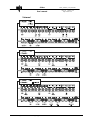
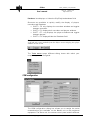
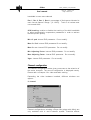
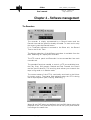
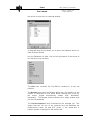
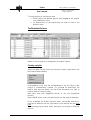
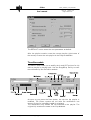
The recorder is simply represented by a Record button and the
Record time and the duration already recorded. To start and to stop
the record, press the Record button.
If no TimeCode reference is entered to the Slave unit, the Record
Time is the On Air Time.
The display selection of the different recorders is available from the
tabs. Selecting ‘All’ displays all recorders.
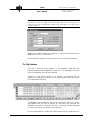
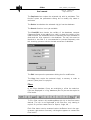
The VTR control panel and Recorder List are accessible from each
recorder tab.
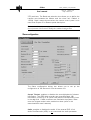
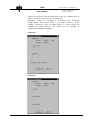
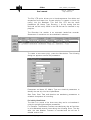
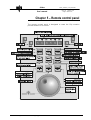
The standard functions needed to control a VTR are available here:
the Play, Stop, Still (pause), Rewind and Fast Forward, the Preroll
and the preroll duration. The scrolling knob allows you to search the
tape in Jog mode or in Shuttle mode.
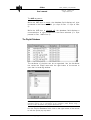
The current status of the VTR is continually sent back to the Airbox
for better control. The status field indicates what the VTR is doing
with a tape sequence (Idle, Playing, Rewinding,…)
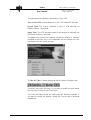
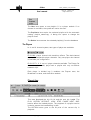
When IN and OUT points are defined, the Auto Edit button starts the
playback of the VTR (from the IN point to the OUT point) and the disk
recording at the same time.
EVS Broadcast Equipment
Email : support@evs-broadcast.com
Tel: +32-4/361 70 00 FAX: +32-4/361 70 99