1
CHAPTER 15 CREATING AND MANIPULATING DATA
NEW DATA OBJECT
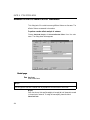
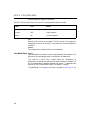
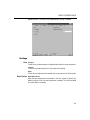
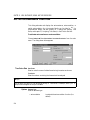
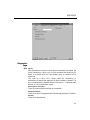
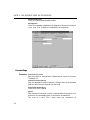
This dialog creates a new data frame, matrix, or vector. See the chapter on
Using Data windows for an explanation of the differences between these
three; generally data frames are recommended.
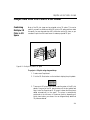
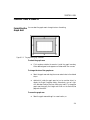
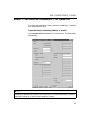
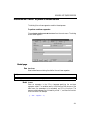
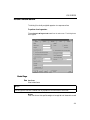
To create a new data frame, matrix, or vector:
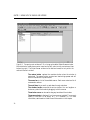
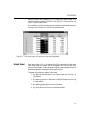
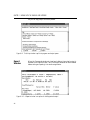
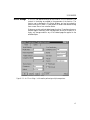
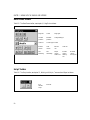
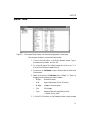
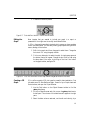
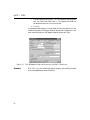
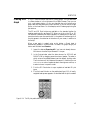
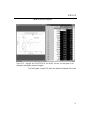
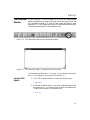
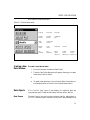
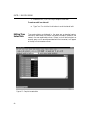
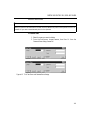
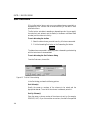
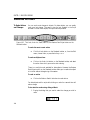
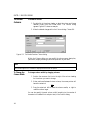
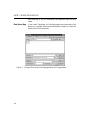
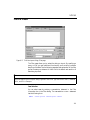
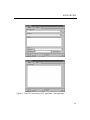
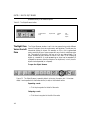
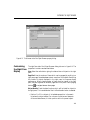
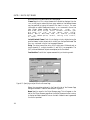
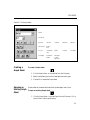
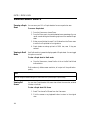
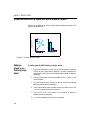
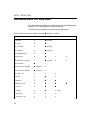
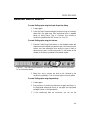
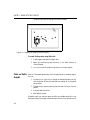
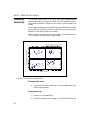
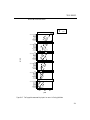
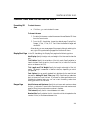
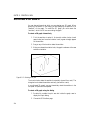
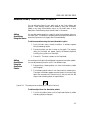
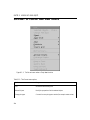
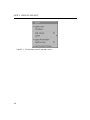
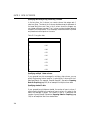
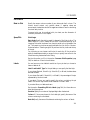
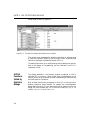
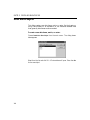
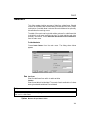
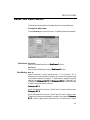
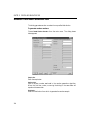
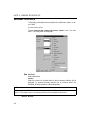
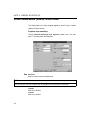
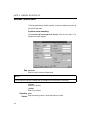
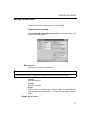
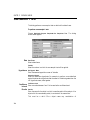
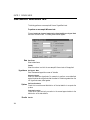
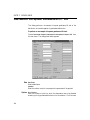
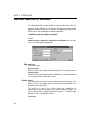
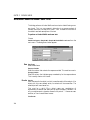
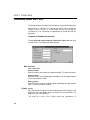
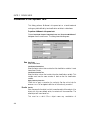
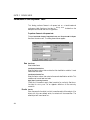
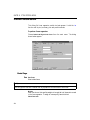
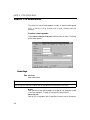
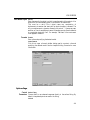
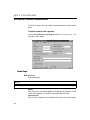
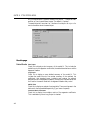
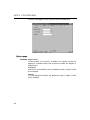
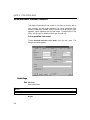
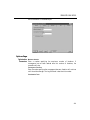
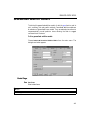
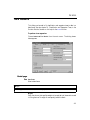
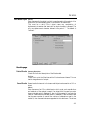
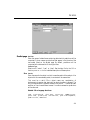
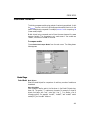
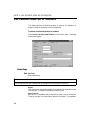
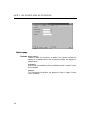
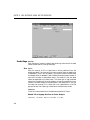
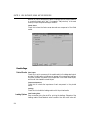
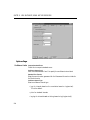
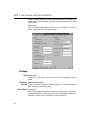
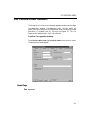
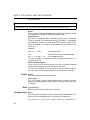
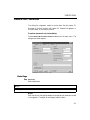
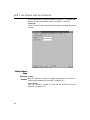
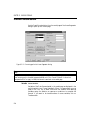
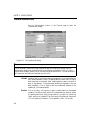
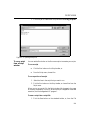
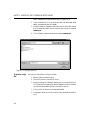
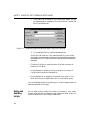
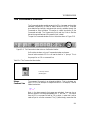
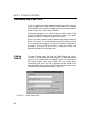
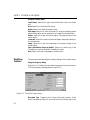
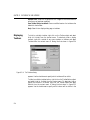
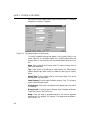
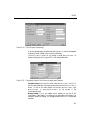
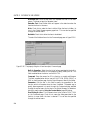
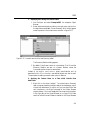
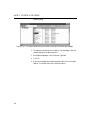
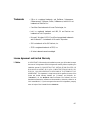
Choose Data c New Data Object from the main menu. The dialog shown
below appears.
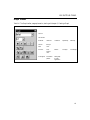
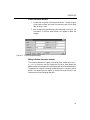
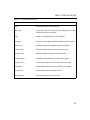
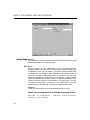
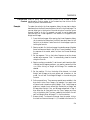
Select from the list and click OK. A Data window will open. Enter the data
for the new object.
348