1
Section 5
MC-III™ EXP Flow Analyzer
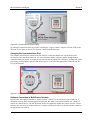
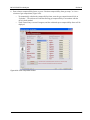
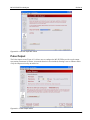
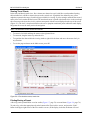
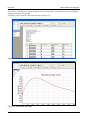
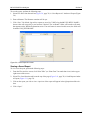
“Print Table”; if the display is a chart, the button will read “Print Chart.”) A Print Preview screen will appear,
displaying the image to be printed.
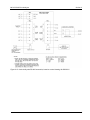
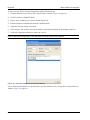
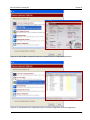
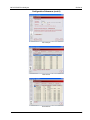
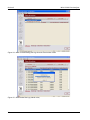
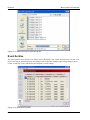
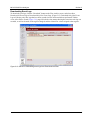
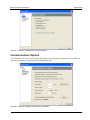
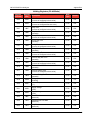
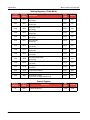
To print the report, select File>Print from the task bar (Figure 5.7).
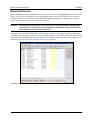
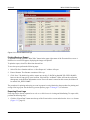
Figure 5.7—Print preview, tabular view
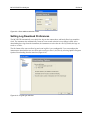
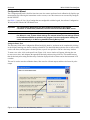
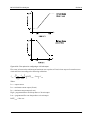
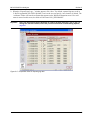
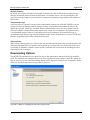
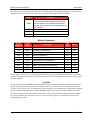
Figure 5.8—Print preview, trend view
76