1
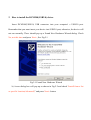
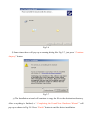
Fig 2.2
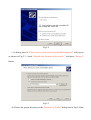
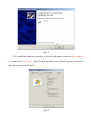
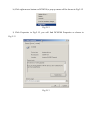
c) A dialog box for “Please choose your search and installation options” will pop up
as shown in Fig.2.3 , check “Include this location in the search ”, and press “Browse”
button
Fig 2.3
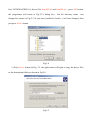
d) Choose the proper directory in the “Browse For Folder” dialog box in Fig.2.4 that