1
The Menu Bar
The menu bar appears above the BlackICE Defender Local Console tabs. The
Menus contain features that enable you to control how BlackICE works and how it
looks.
The File Menu
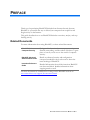
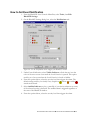
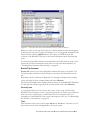
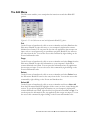
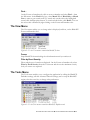
The File menu allows you to control the essential operations of BlackICE Defender.
Figure 60– Use the File menu to control BlackICE basics.
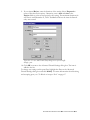
Print…
Sends information from the BlackICE Local Console to the default printer. On the
Events or Intruders tab, select an event or intruder. Click Print… on the File menu.
In the Print dialog box, choose a printer and the number of copies, then click OK.
You can also access this command by right-clicking on the Events and Intruders
tabs.
Exit
Click Exit to close the BlackICE Local Console. The BlackICE icon is removed
from the taskbar. The intrusion-monitoring engine remains active.
BLACKICE DEFENDER USER GUIDE ! THE BLACKICE DEFENDER SCREENS ! 96