1
E850.book Page 11 Monday, December 20, 2004 7:06 PM
Your phone
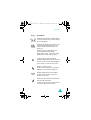
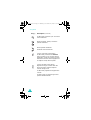
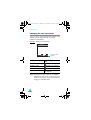
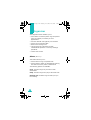
Key(s)
Description
Performs the functions indicated by the
screen text above them, on the bottom
(soft keys) line of the display.
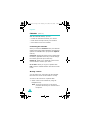
In Idle mode, allows you to access your
favourite menu options directly. For
further details about shortcuts, see
page 157.
In Menu mode, scrolls through the
menu options and Phonebook.
When entering text, moves the cursor,
depending on which side you push.
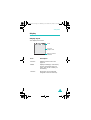
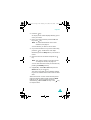
In Idle mode, launches the WAP
(Wireless Application Protocol) browser.
In Menu mode, selects the highlighted
menu option or confirms your input.
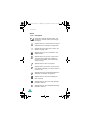
Makes or answers a call.
In Idle mode, recalls the last number
dialled or received when held down.
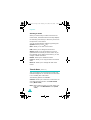
Deletes characters from the display.
In Menu mode, returns you to the
previous menu level.
Ends a call. Also switches the phone on
and off when held down.
In Menu mode, cancels your input and
returns the phone to Idle mode.
11