1
Messages & email
Reading emails
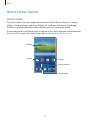
Tap Email on the Apps screen.
Tap , select an email account to use, and new messages are retrieved. To manually retrieve
new messages, tap .
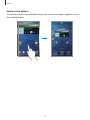
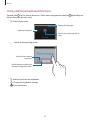
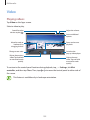
Tap a message to read.
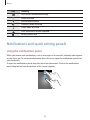
Delete the message.
Access additional options.
Add this email address to the
contacts list or view other
options.
Open attachments.
Mark the message as a reminder.
Forward the message.
Reply to all recipients.
Go to the previous or next
message.
Reply to the message.
Adding contacts to the priority list
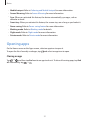
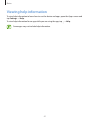
Set contacts that you communicate with frequently as priority contacts.
Tap → Priority senders → Tap to add priority senders → Enter email or Contacts, enter
email addresses or select contacts to add, and then tap OK or Done.
To add more contacts to the priority list, tap
.
To remove contacts from the priority list, tap and hold a contact, tap
then tap Done.
82
on each contact, and