1
7. Commissioning, operation
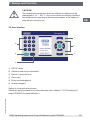
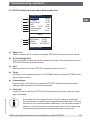
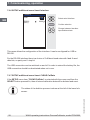
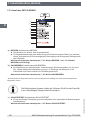
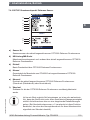
7.4.6 SETUP additional menu items: Interface
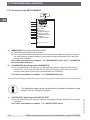
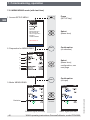
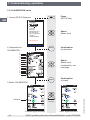
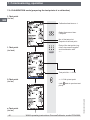
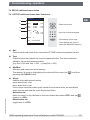
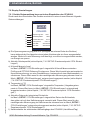
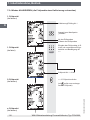
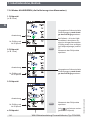
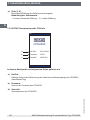
..Interface
USB
GB
RS232
(8N1)
ON
Select serial interface
9600
SELECT
Confirm selection
Change between interface
tape and baud rate
This menu allows the configuration of the interface. It can be configured for USB or
RS-232.
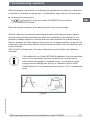
For the RS-232 interface there is a choice of 3 different baud rates with fixed 8 used
data bits, no parity and 1 stop bit.
The USB connection can be switched on and off. In order to extend the battery life, the
USB connection should be deactivated when not in use.
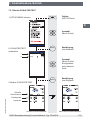
7.4.7 SETUP additional menu items: CLEAR CalData
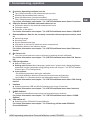
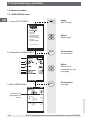
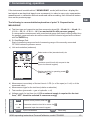
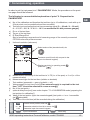
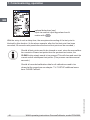
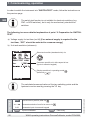
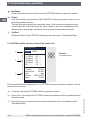
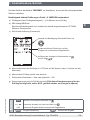
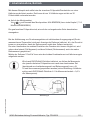
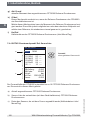
If the SETUP menu item "CLEAR CalData" is selected with the cursor and then the
SELECT button pressed 2x, then all stored calibration data will be deleted and reset.
11069023.03 02/2012 GB/D
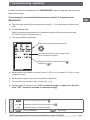
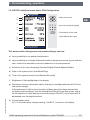
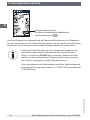
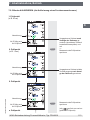
The status of the deletion process is shown at the left of the lower Info
screen.
58
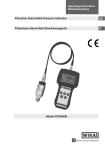
WIKA operating instructions ProcessCalibrator, model CPH6000