1
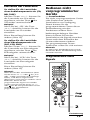
Operating Non-Preset
Components
— Learning Function (continued)
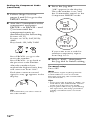
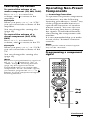
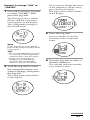
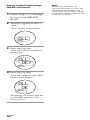
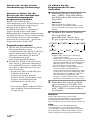
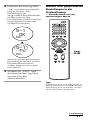
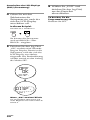
6 Select “EXIT,” then press
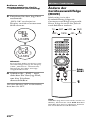
4 Press the button you want
Notes
to erase.
“OK?” flashes rapidly in the
display.
D EL
OK ?
LEARN
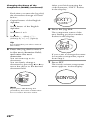
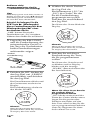
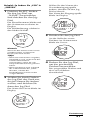
5 Press the same button
again.
“OK” stops flashing, and the
component name flashes again.
D EL
OK
LEARN
S -3
VCR
LEARN
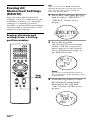
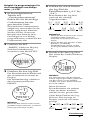
If you want to erase the
“learned” function from
another button, repeat from
Step 3 to 5.
22GB
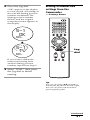
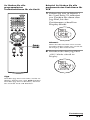
the Jog dial to finish
erasing.
• If you exit SET mode by pressing SET,
nothing is erased.
• It may take a few seconds to finish
erasing depending on the amount of
memory to be erased. In this case, a
processing indicator appears in the
display. Wait until this indicator
disappears.