1
8. Operation
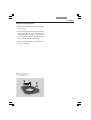
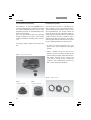
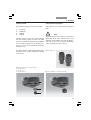
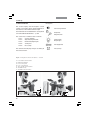
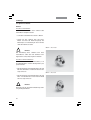
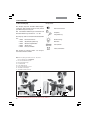
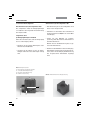
• For immersion objectives use the appropriate
immersion medium.
OIL: only use optical immersion oil
according to DIN/ISO standards.
Cleaning → p. 91
W:
Water immersion.
IMM: Universal objective for water, glycerol,
oil immersion.
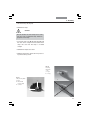
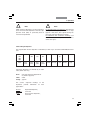
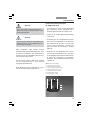
Caution!
Follow safety instructions for immersion oil!
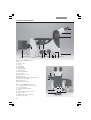
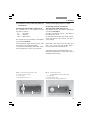
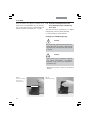
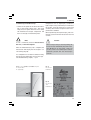
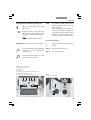
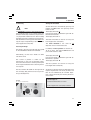
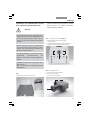
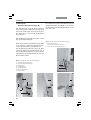
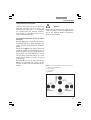
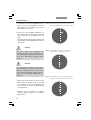
Select objectives via
variable function buttons on stand and
SmartMove
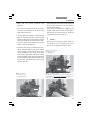
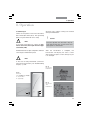
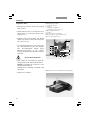
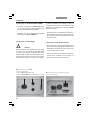
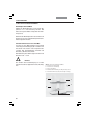
Changing the operating mode
• First, select the operating mode (Imm or Dry)
using the function buttons.
The operating mode may also be selected in
the Leica Application Suite (LAS).
• The objective turret is lowered to its bottom
stop. This is to permit the application of the
immersion liquid when changing from a dry to
an immersion objective. It also permits the removal of the liquid when changing to dry
mode.
The current objective remains in the beam
path.
• Next, press the button for the objective you
intend to use.
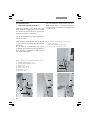
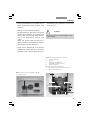
Leica Application Suite (LAS) Software
Manual selection
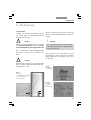
Changing the operating modes
“dry” (DRY) and “immersion” (IMM)
(for Leica DMI5000 M with motorized focus)
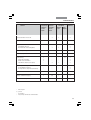
Each objective is assigned to a specific objective category:
1) Dry objectives (DRY)
2) Immersion objectives (IMM)
Note:
It is possible to use objectives for both
operating modes.
The mode can be assigned in the Leica Application Suite (LAS).
82
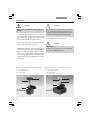
Note:
If the Imm or Dry operating mode buttons are
pressed accidentally, the original mode can be
restored by pressing the appropriate button.
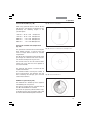
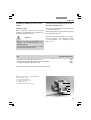
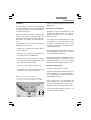
Change operating mode via
variable function buttons on stand and
SmartMove
Leica Application Suite (LAS) Software