1
Creating your own program (Program Play) (continued)
Tips
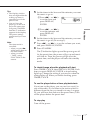
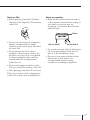
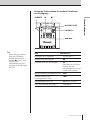
• You can play the same
program again, since
the program is saved
until you open the CD
compartment.
• You can record your
own program. After
you’ve created the
program, insert a blank
tape into the tape
compartment and press
r on the player to start
recording.
16EN
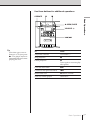
The CD Player
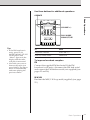
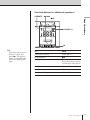
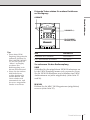
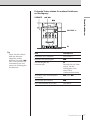
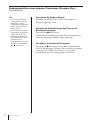
To cancel Program Play
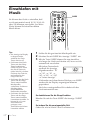
Press MODE until “PGM” disappears in the display.
To check the order of tracks before play
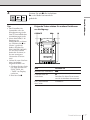
Press + on the player.
Every time you press the button, the track number
appears in the programmed order.
To change the current program
Press p once if the CD is stopped and twice if the CD
is playing. The current program will be erased. Then
create a new program following the programming
procedure.