1
6
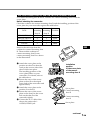
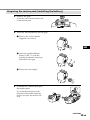
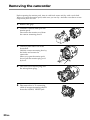
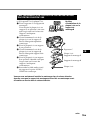
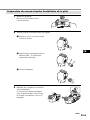
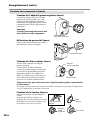
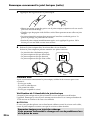
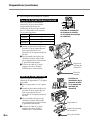
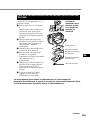
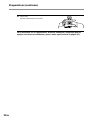
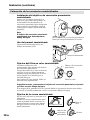
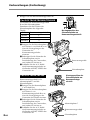
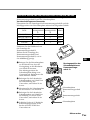
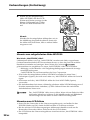
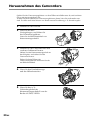
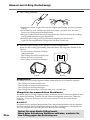
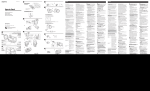
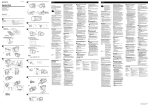
Remove the camera mounting shoe with the screw driver.
Undo the screw of the screw plate and remove the camera mounting shoe from the
camcorder.
7
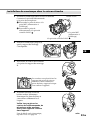
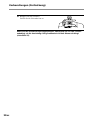
Remove the battery pack for the LCD monitor.
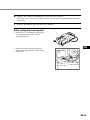
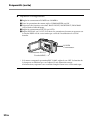
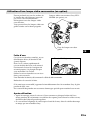
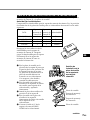
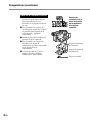
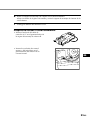
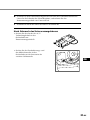
After using the marine pack
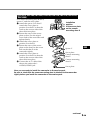
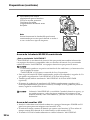
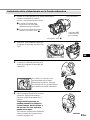
• Insert the remote and microphone
plugs to the plug holder inside of the
front shell.
B
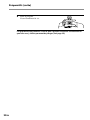
• Insert the A/V connecting cable plug
to the plug holder of the camera
mounting shoe B.
GB
21-GB