1
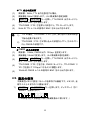
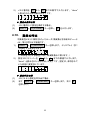
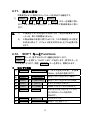
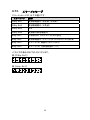
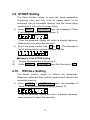
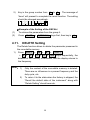
4.9. STORE Setting The Store function allows to save the setup parameters (Frequency value and Duty cycle for square wave) of the instrument into its nonvolatile memory with the stored group number from 0 to 9, up to 10 groups totally. 1) Press SHIFT + 6 (STORE) keys, the message of “Store 0” will present on the parameter display ⑫. (Then the parameter display will return to display frequency. when leaving it for about five seconds.) 2) Key in the group number from 0 to 9 . The message of “done” will present to complete the store function. Example of the STORE Setting (1) (2) To save the parameters to the group 5. Press SHIFT + 6 (STORE) keys first, then key in 4.10. 5 . RECALL Setting The Recall function allows to retrieve the parameters (Frequency value and Duty cycle for square wave) saved in the nonvolatile memory. 1) Press SHIFT + 3 (RECALL) keys, the message of “Recall 0” will present on the parameter display ⑫. (Then the parameter display will return to display frequency. when leaving it for about five seconds.) 17