1
04-00774_DETONATOR Manual
2/2/05
3:46 PM
Page 2
02 DETONATOR INSTRUCTION MANUAL
DETONATOR INSTRUCTION MANUAL 03
SETTING THE DATE AND TIME (cont.)
SETTING THE DATE AND TIME
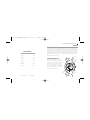
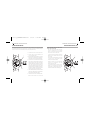
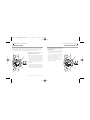
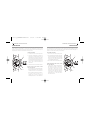
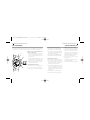
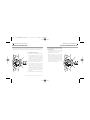
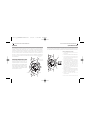
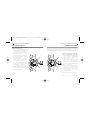
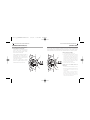
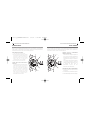
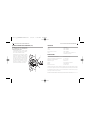
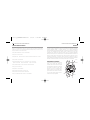
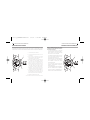
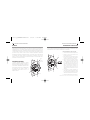
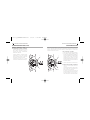
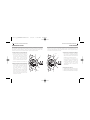
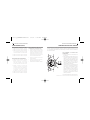
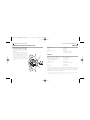
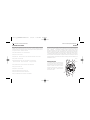
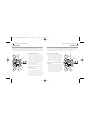
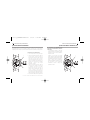
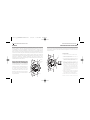
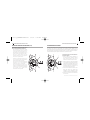
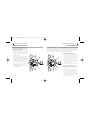
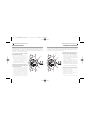
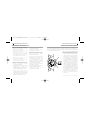
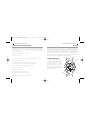
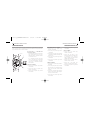
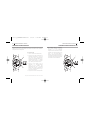
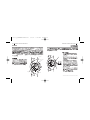
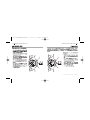
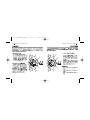
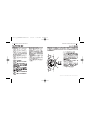
The crown can be pulled out to two click positions. The first position is for setting the current
date and the alarm time. The second position is for setting the current time. When pulling the
crown out to the first or second click positions, pull it gently and slowly.
A
POS 1
B
POS 2
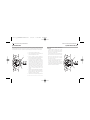
TO SET THE DATE AND TIME:
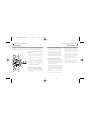
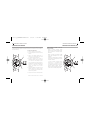
1. Pull the crown out to the first click position.
2. Turn the crown so the date advances, and
set it to yesterday’s date.
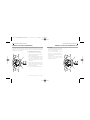
3. When the hand in the small dial face at the left
reaches the zero position (points straight up),
pull the crown out to the second click position.
4. Turn the crown so the minute and hour hands
move forward. Continue turning until the date
display changes to today’s date, then continue
until the current time is reached. (If the current
time is PM, advance the hour hand past the
noon position before stopping on the current
time.) When setting the minute hand, advance
the hand to 5 minutes or more past the desired
time, then turn it back to the desired time.
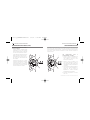
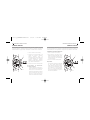
5. Press button (b) repeatedly to advance the alarm
hands to the current time. Press and hold button
(b) to advance the alarm hands rapidly.
6. Push the crown back in to the normal position.
[SETTING THE DATE AND TIME CONT. ON NEXT PAGE]
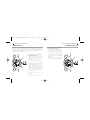
WHEN SETTING THE DATE AND TIME,
NOTE THE FOLLOWING
• The watch will resume running when the
crown is pushed back in to the normal
position, so use this to set the watch time to
the precise second of current time.
• It is necessary to reset the date at the end of
February and all months that have fewer
than 31 days.
• Do not reset the date between 9:00 PM and
1:00 AM. Doing so may prevent the date
display from changing properly.
• Pulling the crown out to the second click
position will automatically reset the
chronograph hand to zero.
• If the alarm has been set and the crown is
pulled out to the second click position, the
alarm hands will automatically reset to the
current time and the alarm will disengage.
A
POS 1
B
POS 2