1
Changing the
recording folder
Changement du
dossier
d’enregistrement
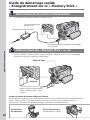
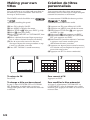
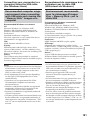
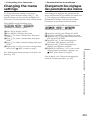
You can create folders up to “999MSDCF” in the
“Memory Stick.”
The default setting is “101MSDCF” folder to
record.
Vous pouvez créer jusqu’à « 999MSDCF »
dossiers sur le « Memory Stick ».
Le dossier par défaut est le dossier
« 101MSDCF ».
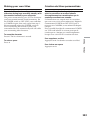
Creating a new folder
Création d’un nouveau dossier
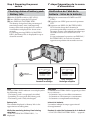
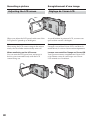
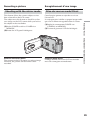
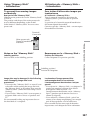
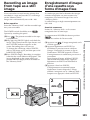
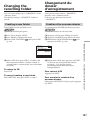
The POWER switch should be set to
.
Operate by touching the panel.
Le commutateur POWER doit être en position
.
Utilisez les touches de l’écran tactile.
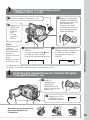
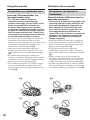
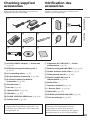
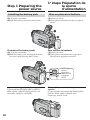
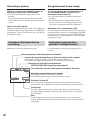
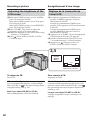
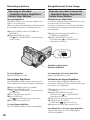
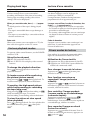
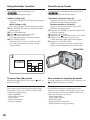
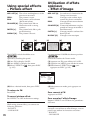
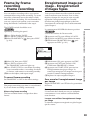
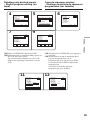
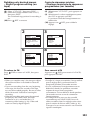
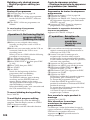
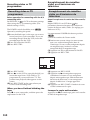
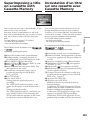
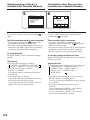
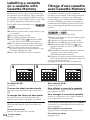
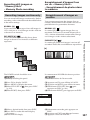
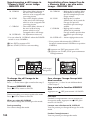
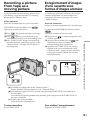
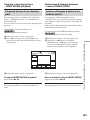
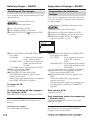
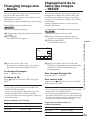
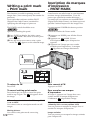
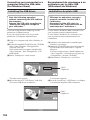
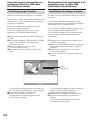
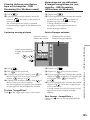
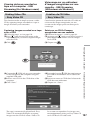
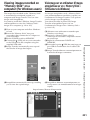
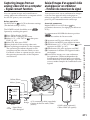
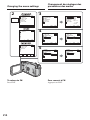
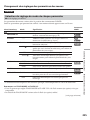
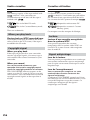
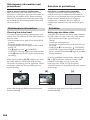
(1) Press FN to display PAGE1.
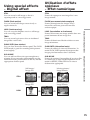
(2) Press MENU to display the menu.
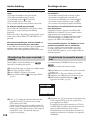
(3) Select NEW FOLDER in
, then press EXEC
(p. 218).
(1) Appuyez sur FN pour afficher la PAGE1.
(2) Appuyez sur MENU pour afficher le menu.
(3) Sélectionnez NEW FOLDER dans
, puis
appuyez sur EXEC (p. 228).
EXEC
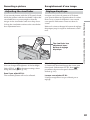
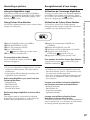
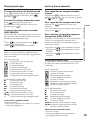
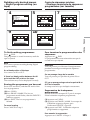
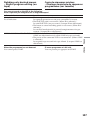
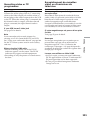
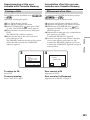
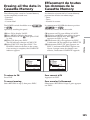
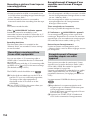
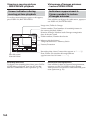
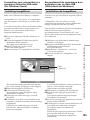
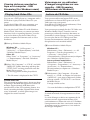
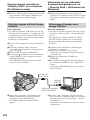
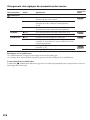
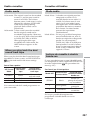
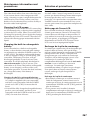
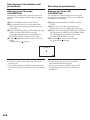
(4) Sélectionnez ADD, puis appuyez sur EXEC.
Un dossier est créé à partir du numéro
maximal + 1. Le dossier créé est
automatiquement sélectionné pour
l’enregistrement.
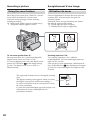
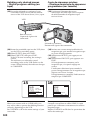
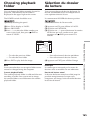
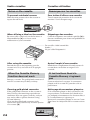
To return to FN
Press EXIT.
Pour revenir à FN
Appuyez sur EXIT.
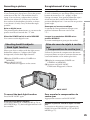
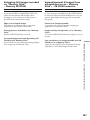
To cancel creating a new folder
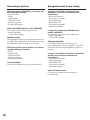
Select RETURN, then press EXEC in step 4.
Pour annuler la création d’un
nouveau dossier
Sélectionnez RETURN à l’étape 4, puis appuyez
sur EXEC.
Fonctionnement du « Memory Stick »
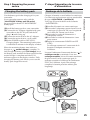
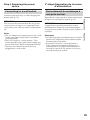
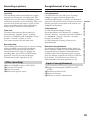
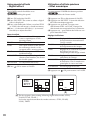
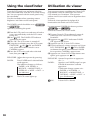
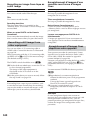
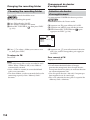
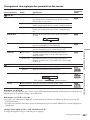
(4) Select ADD, then press EXEC. A folder with
the maximum number+1 will be created. A
created folder is automatically set to the folder
to record.
RET.
“Memory Stick” Operations
EXIT
MEM SET 1
STILL SET
MOVIE SET
NEW FOLDER ADD
REC FOLDER RETURN
FILE NO.
ADD FOLDER
102MSDCF
157