1
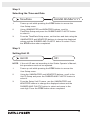
Step 4
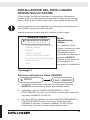
Connecting the SciCan Data Logger
1.
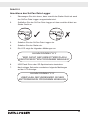
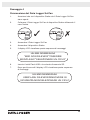
Ensure that both the Statim unit and the SciCan Data Logger are off.
2.
Connect the SciCan Data Logger to the Statim unit by using the
serial cable.
3
7
3.
Power up the SciCan Data Logger
4.
Power up the Statim unit.
5.
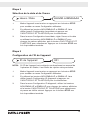
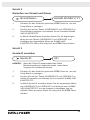
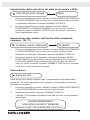
The LCD will display the following sequence of messages:
HH:MM DD/MM/YYYY
“MSD NOT DETECTED”/”INSERT
MSD/FLASH”/”SELECT A CYCLE”
6.
Insert USB flash drive or SD memory card.
7.
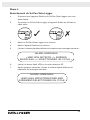
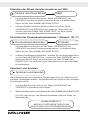
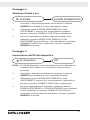
After a few seconds the LCD will display the following sequence
of messages:
HH:MM DD/MM/YYYY
USB/FLASH DETECTED/SAFELY
REMOVE MSD/SELECT A CYCLE
11