1
Set Program Watering Start Time(s)
The watering start time for your program is
the time that the first programmed station
begins to run. Up to 4 watering start times
may be entered per program. Each
subsequent station will then run in sequence.
There is a 2-second delay between the
activation of stations.
4 to set up to four separate watering start
times for each program, if needed.
NOTE: If you selected one of the preprogrammed schedules, you will see
the default watering start time(s) for
that schedule.
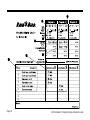
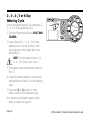
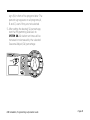
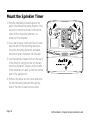
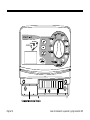
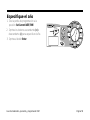
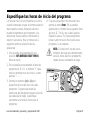
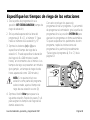
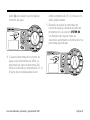
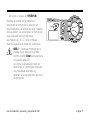
1. Turn the Programming Dial to SET
WATERING START TIME.
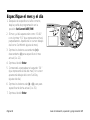
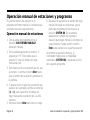
2. The program letter (A, B or C), the number
“1” (indicating the earliest start time), and
a row of four dashes “--.--” appear in the
display.
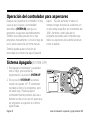
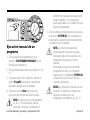
3. Press the (+) or (-) buttons to set the
program start time. If you want all the
stations on the program to run only once
each watering day, enter only one start
time for the program.
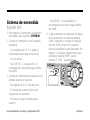
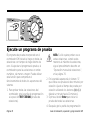
4. To enter another watering start time, press
Enter. The next watering start time number
(2-, 3 or 4) and a row of four dashes
appear in the display. Repeat steps 3 and
ISM Installation, Programming & Operation Guide
Page 23