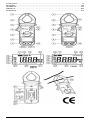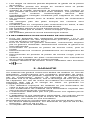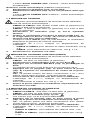
1
7.
8.
9.
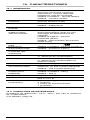
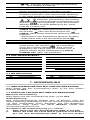
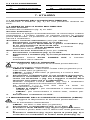
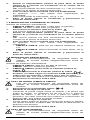
For maximum accuracy, the conductor must be
located in the centre of this area during
measurement.
MAX button (CM600 and CM610): this shows the
maximum value, automatically updated, for the
functions. The
icon is displayed
when the function is activated: pressing it again
cancels the function.
SELECT button.
CM600 and CM610: Alternately selects diode test
or continuity test
.
CM625: Alternately selects measurement of:
- the DC current or reset (40 ADC range);
- the resistance or continuity test
.
10.
Red positive terminal (+).
11.
12.
CM625: indicates the clamp’s orientation.
HOLD button (CM625)
This holds the measurement (Data Hold); the
icon appears when the function is activated. Pressing
the button again cancels the function. Automatic
shutdown AUTO POWER OFF (25) is deactivated in
this mode.
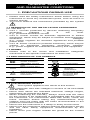
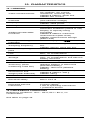
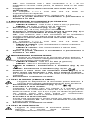
6.2 THE DISPLAY
No.
Function
13.
14.
15.
16.
17.
18.
19.
No.
Continuity
Negative value
AC
DC
Low batteries
Max. value
Diode test
20.
21.
22.
23.
24.
25.
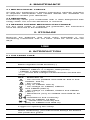
6.3 THE REAR FACE
No.
Function
27.
Safety text
No.
28.
Function
Resistance
Current voltage
Max. value
Auto ranges
Hold value
Auto shutdown
CM625 only
Function
Battery compartment
7. USE
7.1 TO USE THE CLAMP-ON METER
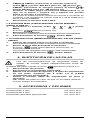
Set the selector (3) to any position other than OFF.
7.2 TO STOP THE CLAMP-ON METER
Set the selector (3) to OFF.
Automatic shutdown
The multimeter shuts down automatically 10 minutes after the
last measurement; the buzzer sounds one minute before
shutdown. Pressing any button except SELECT restarts the
multimeter.
Cancelling automatic shutdown (CM625 only)
1.
Set the selector (3) to OFF.
2.
Hold down the HOLD button and set the selector (3) to
any position other than OFF.
The AUTO POWER OFF icon disappears and automatic
shutdown is deactivated.
13